9
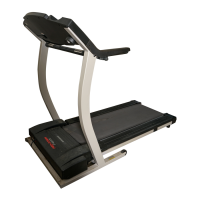
9. Make sure that all parts are properly tightened before you use the treadmill. Note: Extra hardware may
be included. Keep the included hex keys in a secure place; the large hex key is used to adjust the walking belt
(see page 17). To protect the floor or carpet, place a mat under the treadmill.
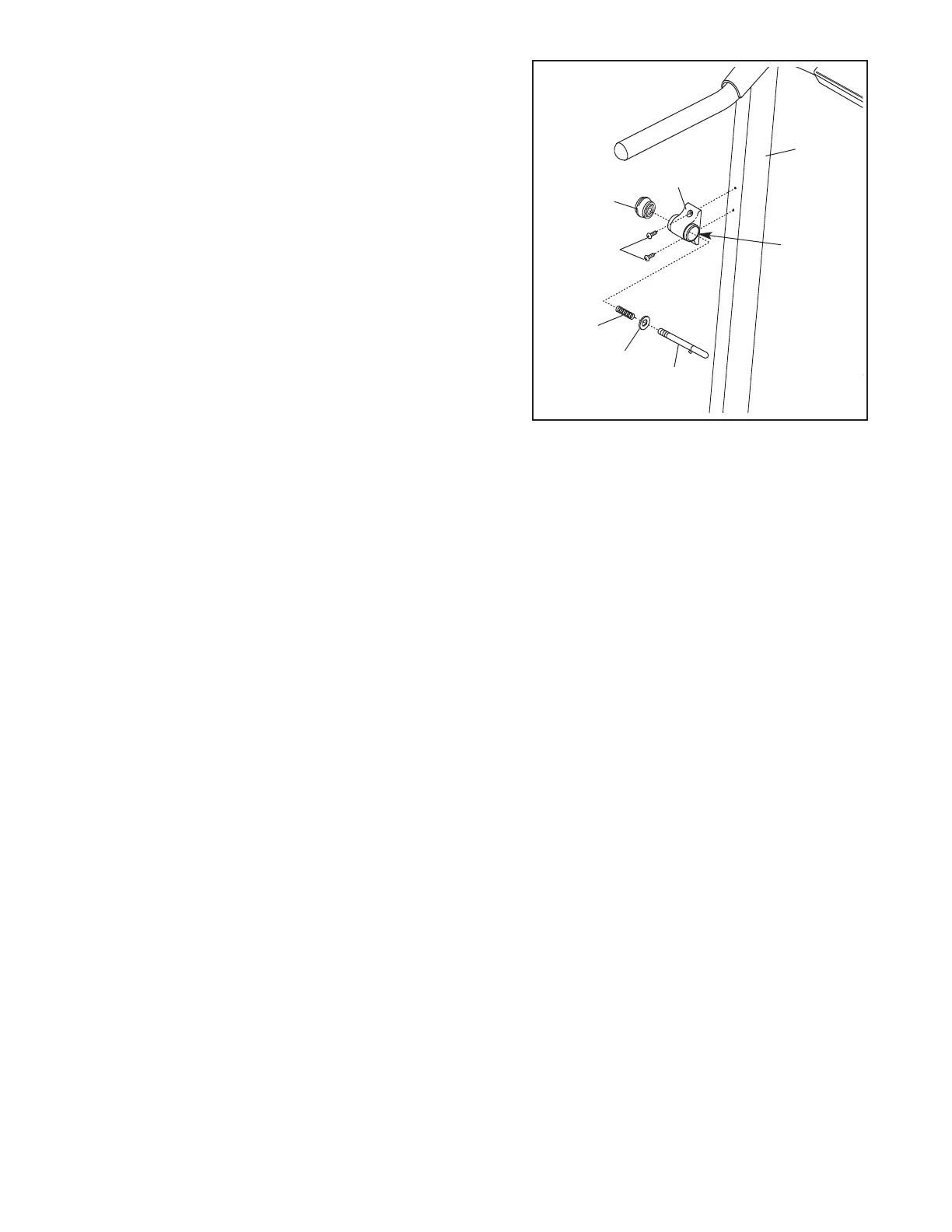
8. Orient the Latch Housing (29) so the large hole is on the
i
ndicated side. Attach the Latch Housing to the left Upright
(69) with two 3/4” Screws (2).
Remove the knob from the pin.
Make sure that the col-
lar and the spring are on the pin as shown. Insert the
pin into the Latch Housing (29), and tighten the knob
back onto the pin.
Pin
Collar
Spring
Knob
6
9
2
9
2
8
Large
Hole



 To Next Page