A1 AirTTL
21
www.profoto.com
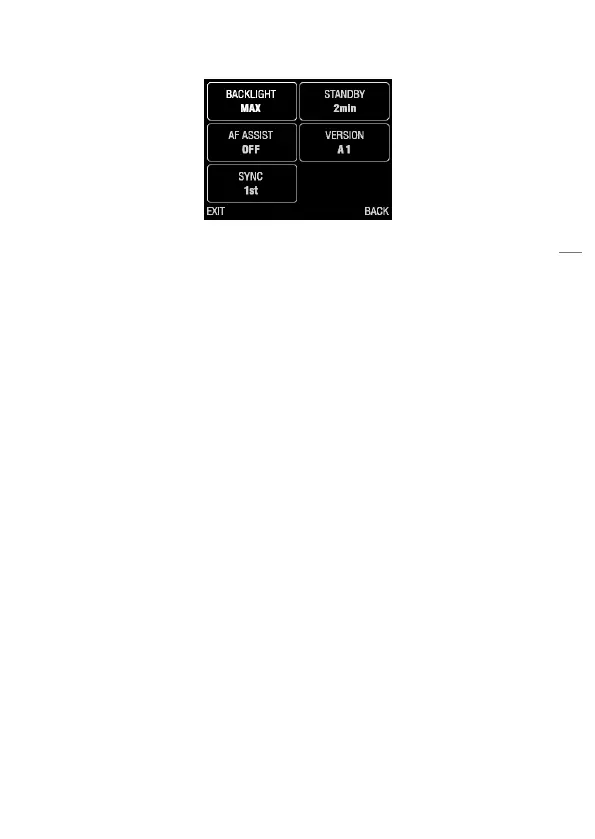
3. Turn the dial [13] to select (highlight) a setting.
4. Press the settings button [14] to display the options menu for the
selected setting.
5. Turn the dial [13] to change the setting option.
6. Press the settings button [14] to choose option and return to the
settings menu.
7. Press the leftmost group button [11] to select EXIT and return to
the main menu.
Note:
Please note that the user interface may be updated in future firmware releases. This is
done to improve user interface or improve functionality.


 To Next Page