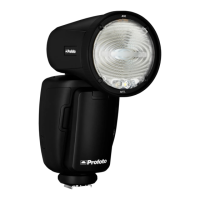
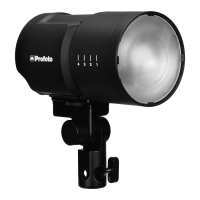
A1 AirTTL
25
www.profoto.com
Zoom
The zoom (beam angle) setting applies to the A1 flash.
The following zoom options are available:
• Manual: The beam angle is adjusted manually, by turning the
zoom ring [2].
• Auto: The beam angle of the A1 flash light will automatically follow
the zooming on the camera.
• The beam angle of the A1 flash can be set to five different beam
angles, from wide to narrow.
Note
If a light shaping tool is attached to A1, the beam angle will be different
AF assist
The AF (autofocus) assist setting activates or deactivates the AF assist.
The AF assist light works with a structured laser light which is harmless
to the eyes.
• OFF: Deactivates the AF assist
• AUTO: The camera activates the AF assist automatically when
needed
• ON: Activates the AF assist so that it is always on.


 To Next Page