english
31
The projector may from time to time need cleaning. Never open the unit, as this will void
any warranties. Refer service and repair to qualified personnel only.
The projector is using lamps that have a limited life time. Please refer to the LAMP
CHANGE section below for further details.
Only the exterior of the unit may be cleaned. Use a damp cloth. Make sure no liquids
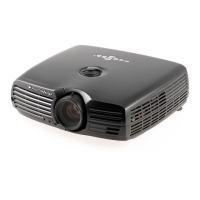
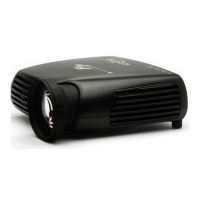
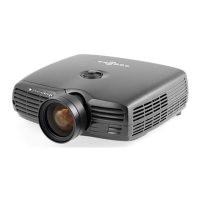
enter the inside of the projector Vacuum clean all the air vents (A) regularly to maintain
sufficient air flow.
The projection lens (B) is sensitive to scratches. Use lens cleaning tissue, available at all
photographic stores when cleaning the projection lens. Use lens cap when not in use.
This product contains no user serviceable parts. If the product fails to function as
expected, please first check that all connections are properly made, and that the power
cord is properly connected. Please check that the projector as well as the video and
computer sources are all switched on. Cables and cords may break over time. Try to
change cables and cords, in case there is a bad or intermittent connection. Check if
the circuit breaker or fuse of your mains is intact. In the event of product failure, please
contact your reseller. You should prepare a description of the symptoms of failure you
experience. Please also state product number and serial number as printed on the label
on the bottom of the projector.
SERVICE PERSONNEL INFORMATION
WARNING
Use UV radiation eye and skin protection during servicing
MAINTENANCE
P
Q
SERVICE INFORMATION


 To Next Page