english
22
The menu system gives access to a multitude of image and system controls. The menu
system is structured through a top menu and several sub menus. The sub menus may
vary depending on the actual source selected. Some functions are not available with
some sources.
When accessing the menu system, you will enter at the position you left last time you
were using the menu system.
Press the MENU key and navigate using the arrow keys on the keypad or the arrow
keys on the remote control
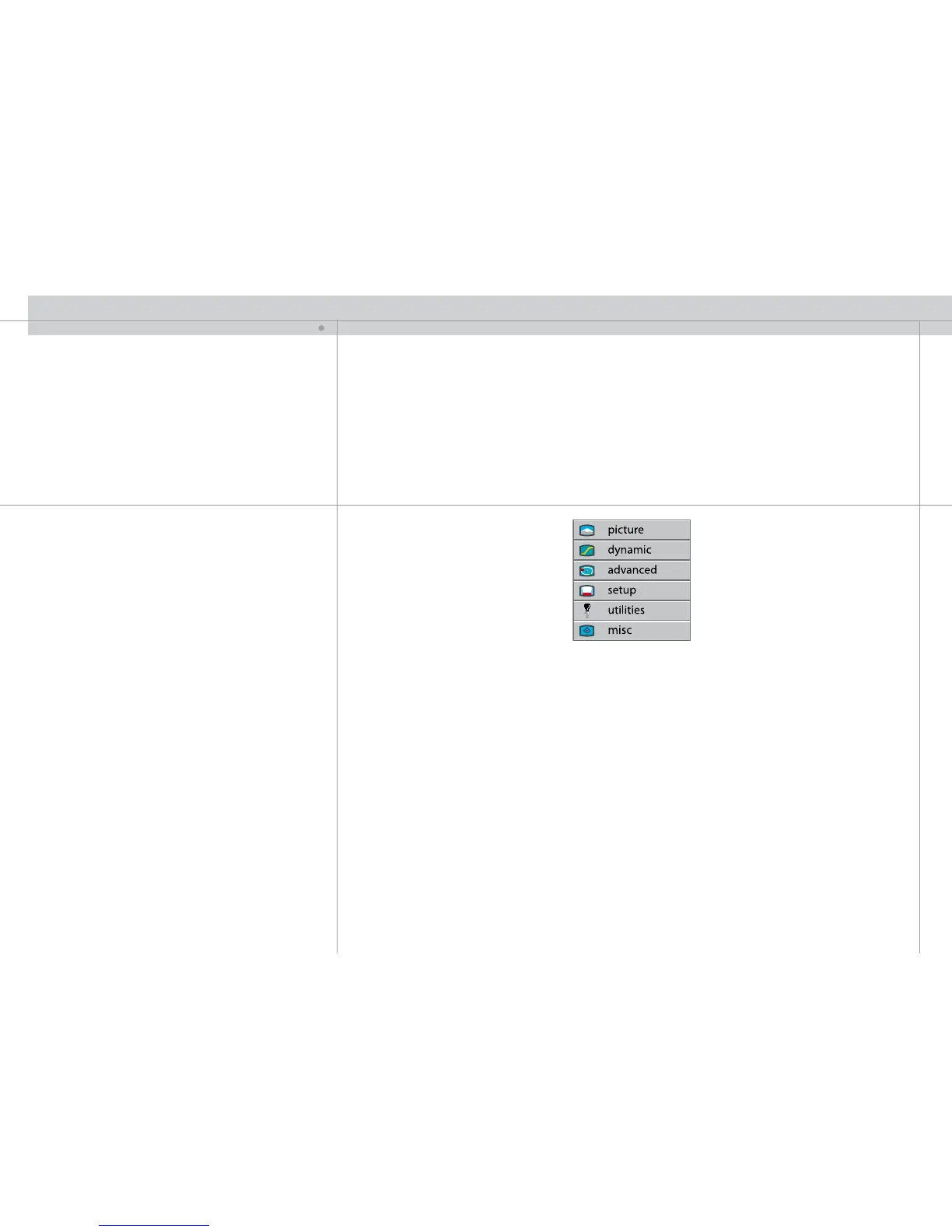
TOP MENU
picture
Basic picture controls.
dynamic
Allows additional control over the projected image.
advanced
Advanced picture controls.
set up
General projector controls.
utilities
System controls and information.
miscellaneous
Timer, PIN code and other controls
MENU SYSTEM
N


 To Next Page