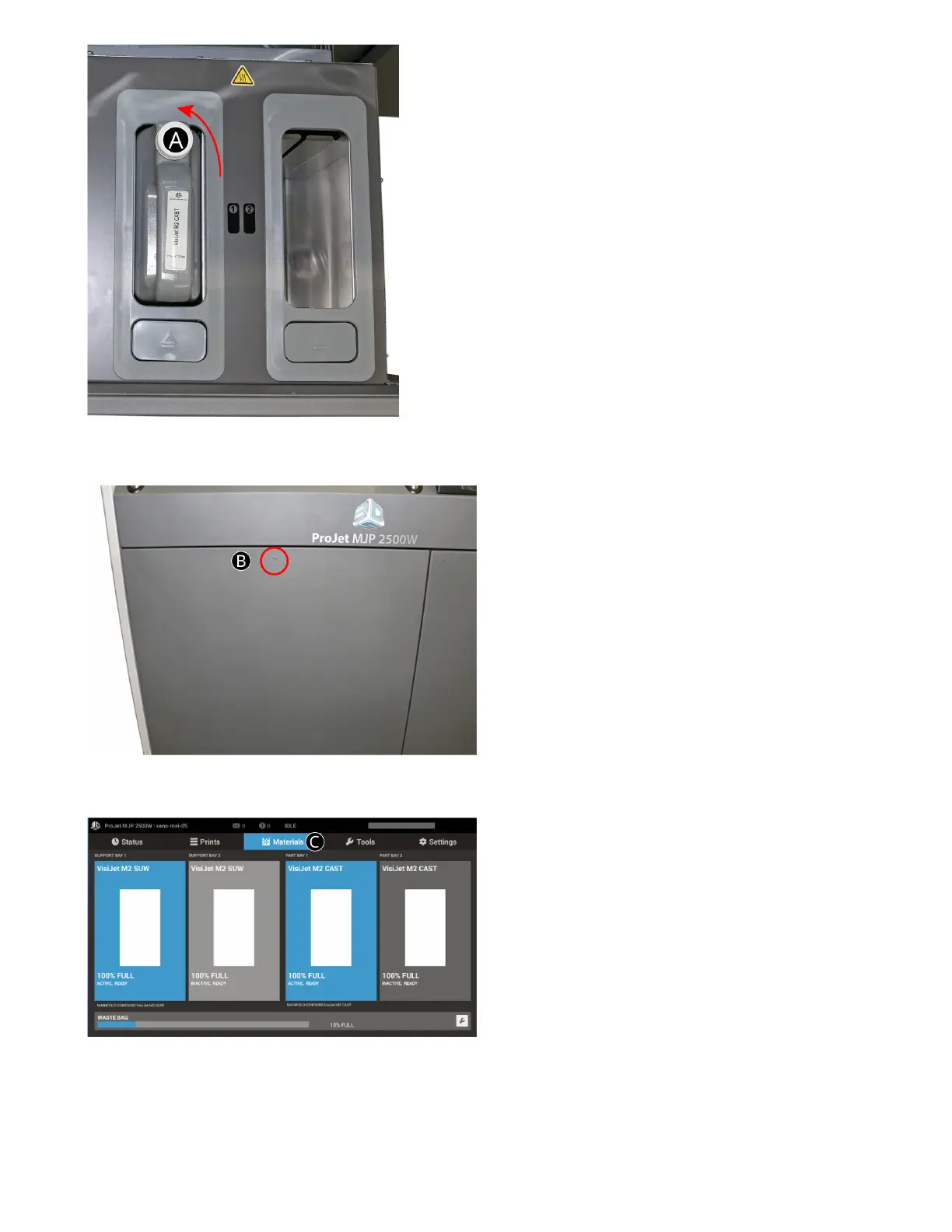
. Close the MDM drawer (B), by pushing in the dimple at the top until it’s latched securely.
7. Check the material level under the Materials tab (C)on the UI to ensure cartridge is seated properly into MDM and ready to print.
REMOVING MATERIAL CARTRIDGES
When a material cartridge is empty and needs to be replaced, or if a partially lled container needs to be replaced with a full container, perform
the following procedure.



 To Next Page