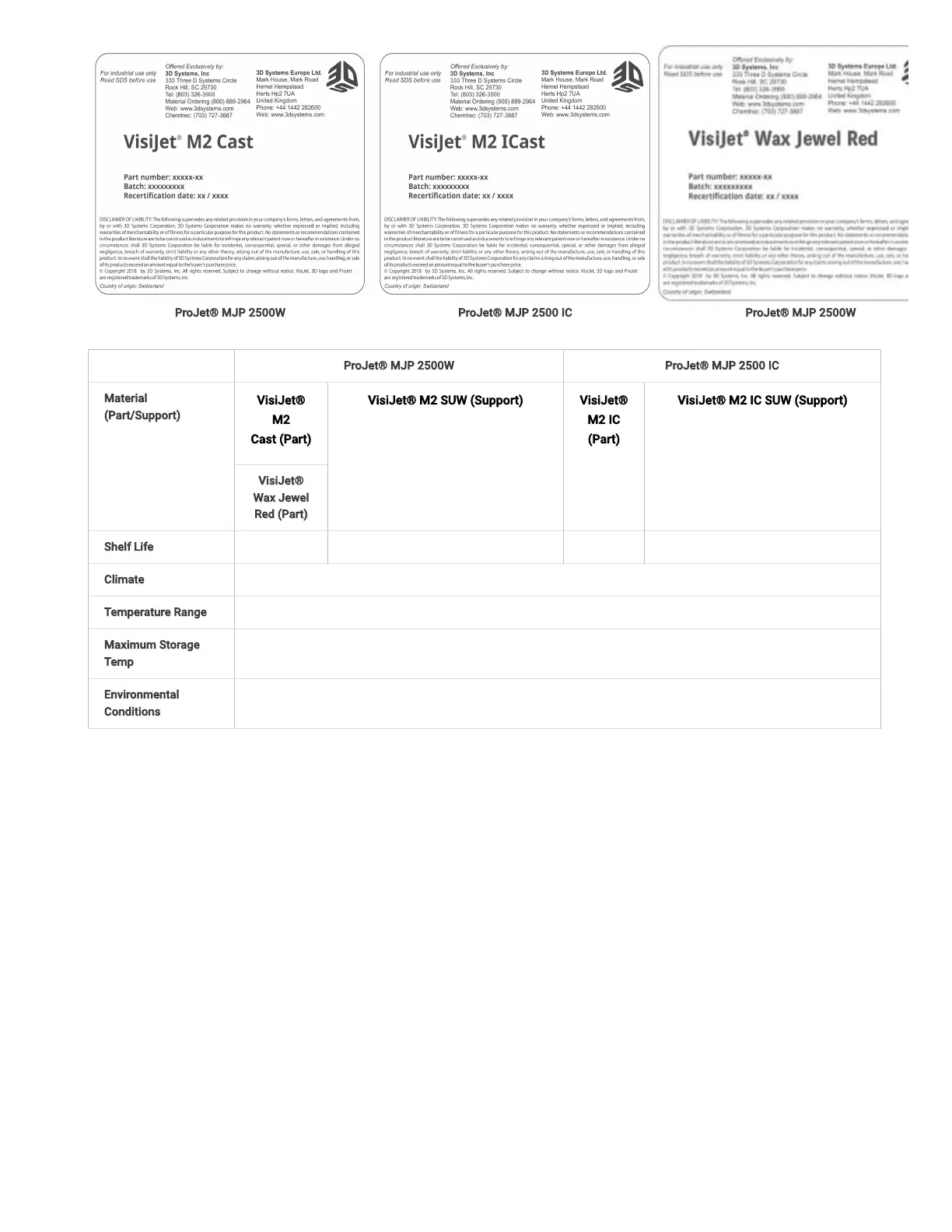
ProJet® MJP 2500W ProJet® MJP 2500 IC ProJet® MJP 2500W
ProJet® MJP 2500W ProJet® MJP 2500 IC
Material
(Part/Support)
VisiJet®
M2
Cast(Part)
VisiJet® M2 SUW(Support) VisiJet®
M2 IC
(Part)
VisiJet® M2 IC SUW(Support)
VisiJet®
Wax Jewel
Red(Part)
Shelf Life 2 Years 2 Years 2 Years 2 Years
Climate Cool, dry area with adequate ventilation
Temperature Range 60°F (16°C) to 80°F (27°C)
Maximum Storage
Temp
95°F (35°C)
Environmental
Conditions
No direct sunlight, heat, ames, or UV energy. Do not expose materials to heat at or above 230°F (110°C) , ames,
sparks, or any source of ignition.
Storing a Partially Used Material Cartridge
It is important not to lay material cartridges that are partially used on their side. Doing so will cause material to seep through the vent cap and
clog cap. This will cause damage to the material cartridge if used for a later print.To store a partially used Material Cartridge, place it upright in
a ProJet® 2500 Cartridge Holder and tighten the vent cap.
Recertication Date
Always check material "Recertication Date" before use. If the cartridge has reached its Recertication Date, your 3D Systems certied Partners
or 3D Systems Technical Support can assist with questions on materialrequiringrecertication.



 To Next Page