PROLIGHTS - EclProfile CT+
12
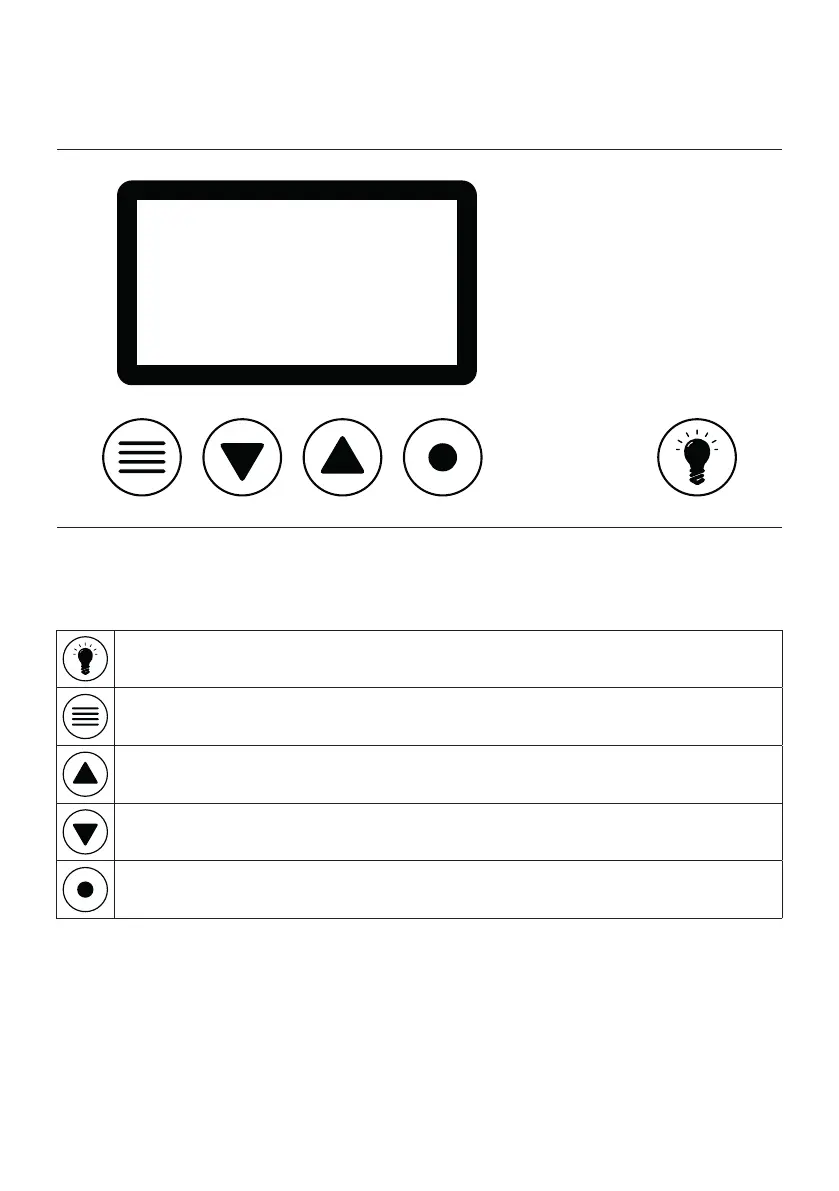
Fig.7
8 - CONTROL PANEL
The product has a display and buttons for access to the control panel functions.
DISPLAY AND BUTTONS LAYOUT
• The product has a display and buttons for access to the control panel functions.
HIGHLIGHT: Press and hold for three seconds to temporary turn ON the product at Full ON
for user focusing operations.
MENU: Used to access the menu tree or to return a previous menu window.
UP: Browse upwards through the menu list and increases the numeric value displayed.
DOWN: Browse downwards through the menu list and decreases the numeric value dis-
played.
ENTER: Used to conrm the current menu or conrm the current function value or option
within a menu.


 To Next Page