PROLIGHTS - EclProfile CT+
33
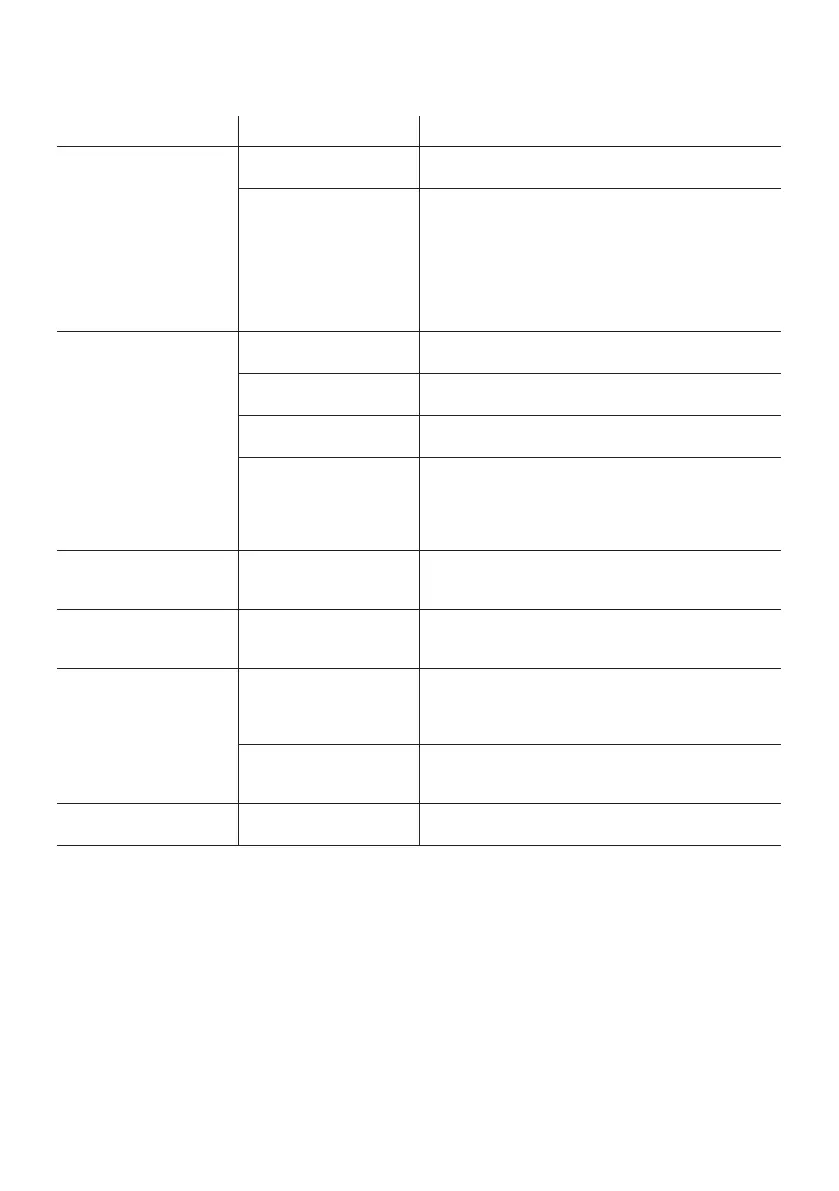
Problems Possible causes Checks and remedies
Product doesn’t power ON • No power to the
product
• Check that power is switched ON and cables are
plugged in.
• Fuse blown or internal
fault
• Check if the Fuse is intact and eventually replace it if
necessary.
• Contact the PROLIGHTS Service or authorized service
partner. Do not remove parts and/or covers, or carry
out any repairs or service that are not described in
this Safety and User Manual unless you have both
authorization from PROLIGHTS and the service
documentation.
Product reset correctly but
does not respond correctly
to the contoller.
• Bad signal connection • Inspect connections and cables. Fix eventual bad
connections. Repair or replace damaged cables.
• Signal connection not
terminated
• Insert DMX termination plug in signal output socket of
the last product on the signal line.
• Incorrect addressing of
the product
• Check the product address and control settings
• One of the product is
defective and is corrupt-
ing the signal transmis-
sion on the signal line
• Unplug the XLR in and out connectors and connect
them directly together to bypass one product at a
time until normal operation is regained. Once found
the error, have that xture serviced by a qualied
technician.
Timeout error after xture
reset.
• One or more hardware
• components requires
• mechanical adjustments
• Check product stored error messages for more
information. Contact PROLIGHTS Service or an
authorized service partner.
Mechanical effect loses
position
• Mechanical hardware
require cleaning, adjust-
ment or lubrication
• Check product stored error messages for more
information. Contact PROLIGHTS Service or an
authorized service partner.
Light output turn OFF
Intermittently
• Fixture is too hot • Check product stored error messages.
• Allow product to cool.
• Clean the product and airow lters.
• Reduce ambient temperature.
• Hardware failure (tem-
perature sensor, fans,
Light source...)
• Check product stored error messages for more
information. Contact. PROLIGHTS Service or an
authorized service partner.
General low light intensity • Dirty lens assembly
• Dirty or damaged lters
• Clean the xture regularly.
• Install lens assembly properly.
Contact an authorized service center in case of technical problems or not reported in the table can not
be resolved by the procedure given in the table.
TROUBLESHOOTING


 To Next Page