EN 42
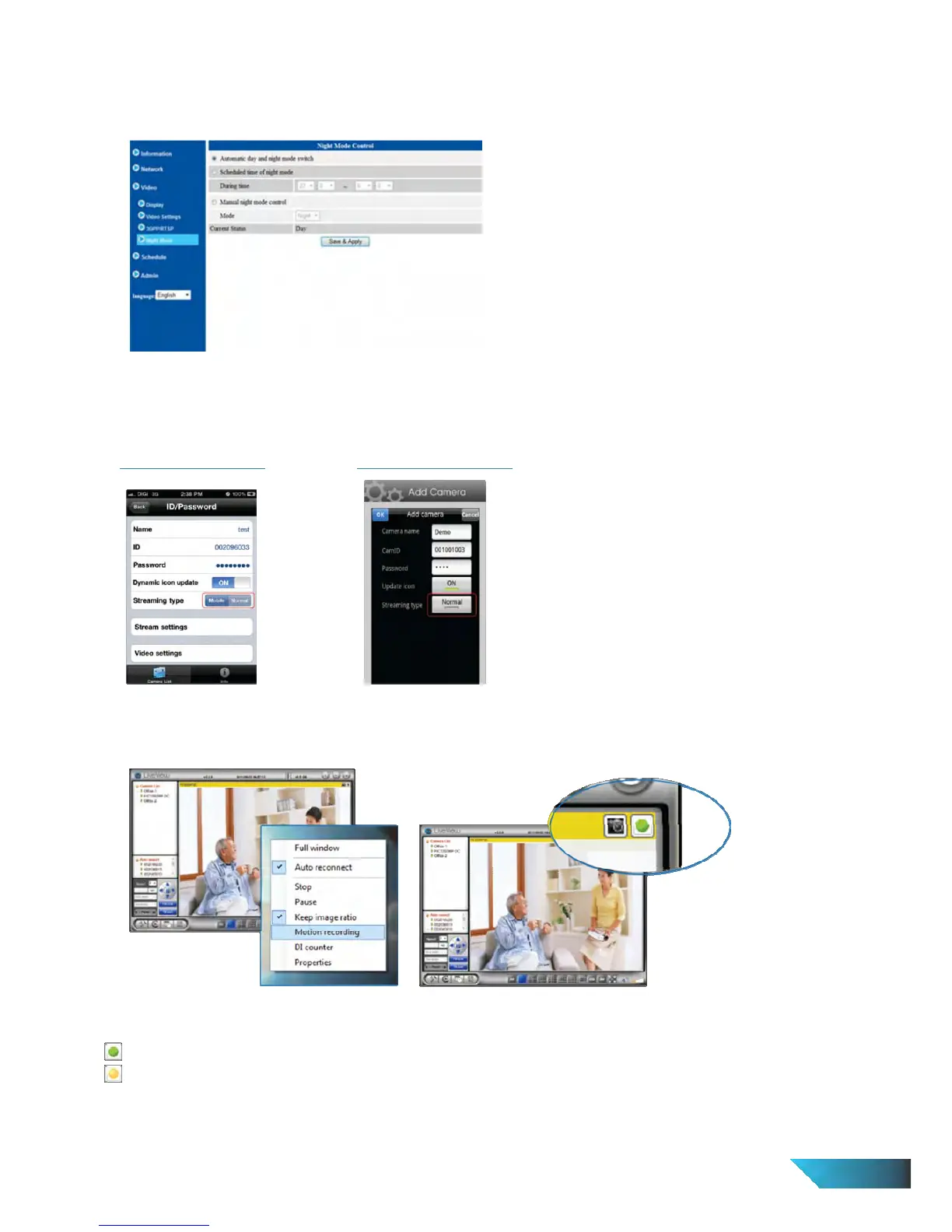
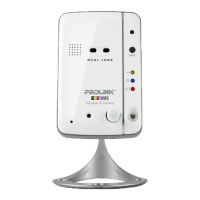
17. Does the PIC1006WN IP Camera come with night vision?
Yes, PIC1006WP is designed with Night Vision (or Night Mode). Please go to Web Configuration > Video > Night
Mode to configure.
18. I can’t hear any audio from my mLiveView apps on my phone.
Please go to Edit CamID/Password and set the Streaming type from Mobile to Normal.
For Apple iOS Devices:
For Android OS Devices:
19. How to do Motion Recording in LiveView?
Right click camera image > tick Motion Recording
Motion Recording Status:
Green: Standby mode
Yellow: Motion detected and Recording in progress.
20. How to view or playback the recorded clips?
i. Execute LivePlay from Start > All Programs > PROLiNK(R) > IP Camera > LivePlay


 To Next Page