PRC2402M User Manual v1.1
Page 38 / 49
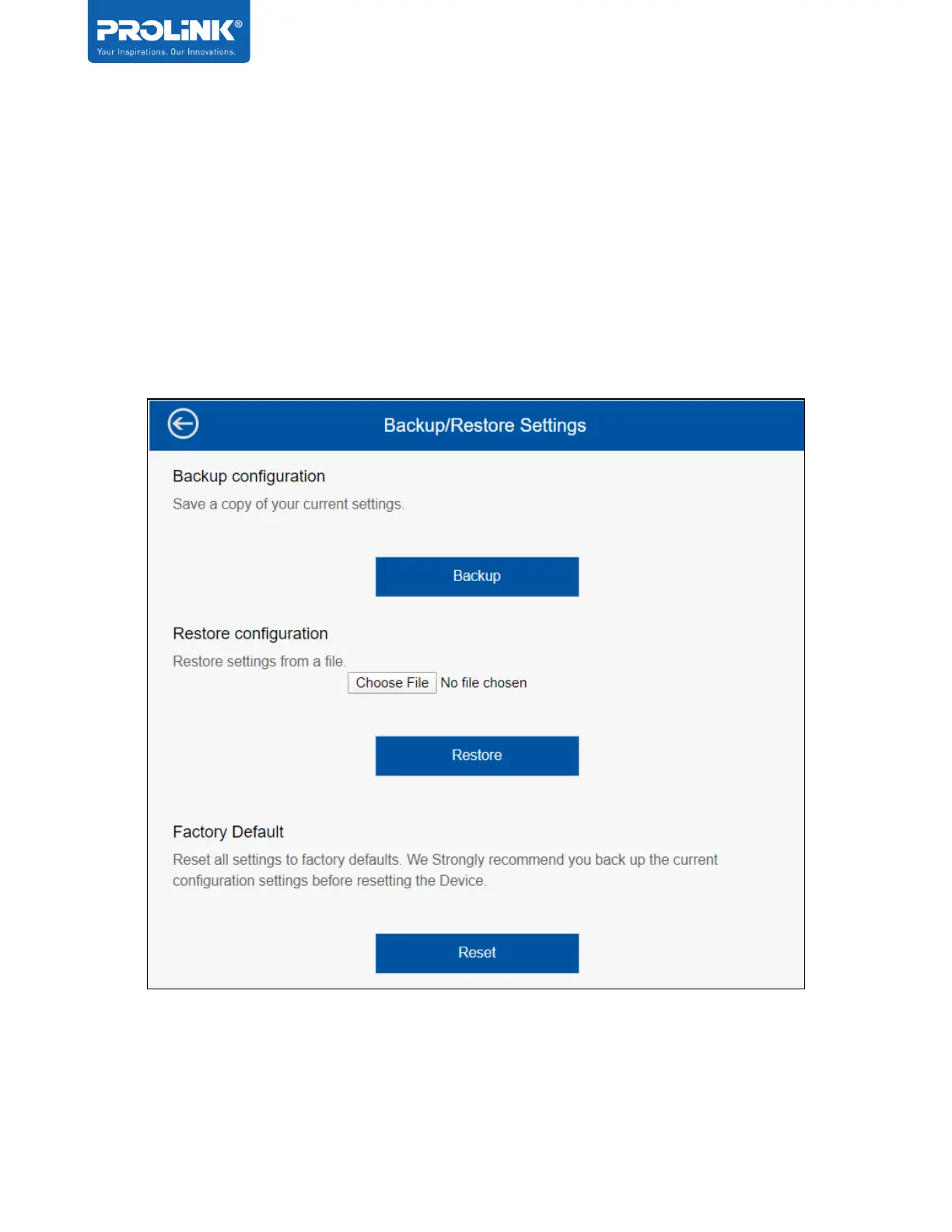
Backup/Restore Settings
In this option user can Backup and Restore the PRC2402M router setting and also user can
Reset to Factory Default setting.
Backup Configuration - Export current settings information into a file.
Restore Configuration - Import a backed-up setting from local directory to replace existing
PRC2402M setting.
Factory Default - will restore all the current configuration settings back to factory default.
Note that all settings will be wiped off.


 To Next Page