PROLiNK
®
PWH2004 User Manual www.prolink2u.com
Revision 1.0 (Aug’09) 9
CHAPTER 4 – CONFIGURATION
4.1 Hardware Connection
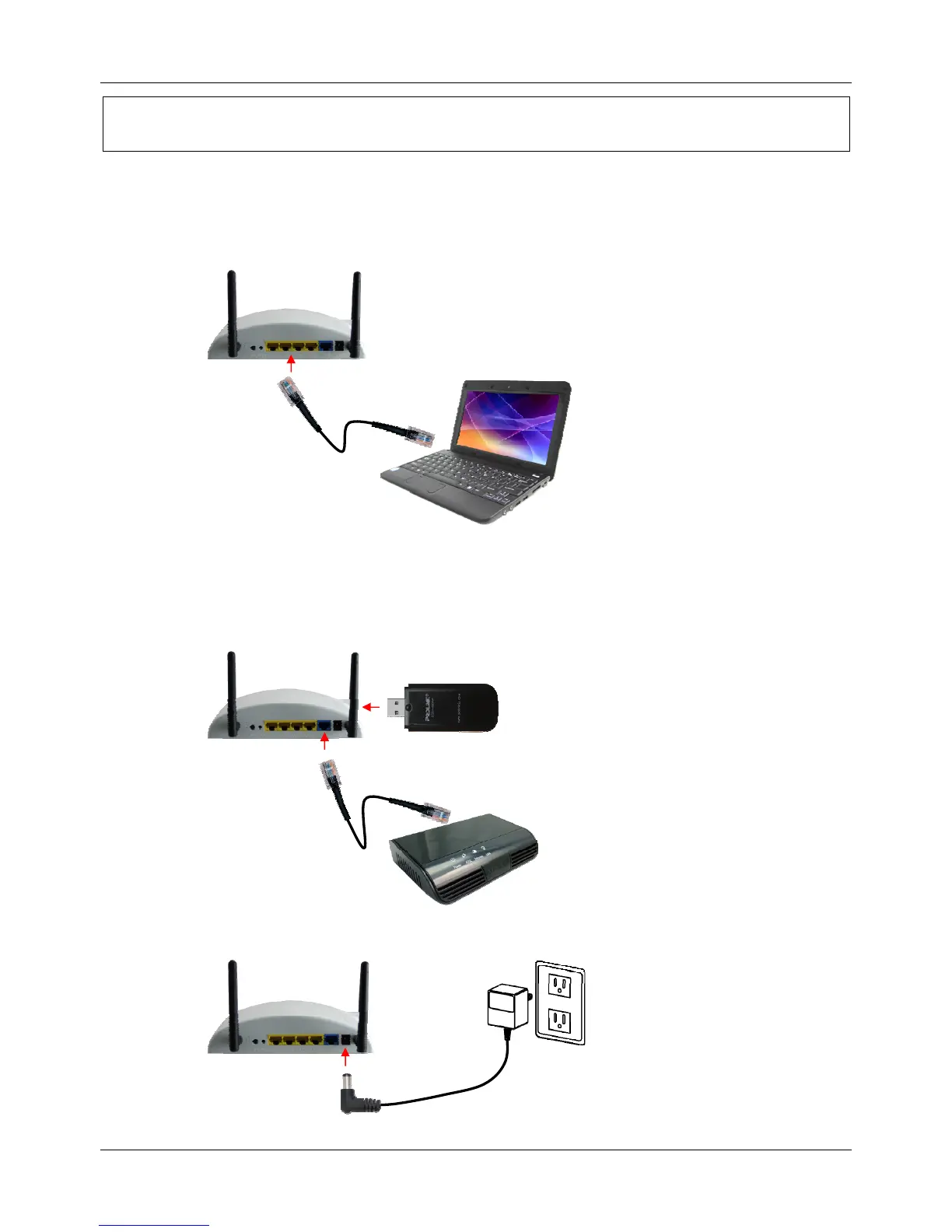
4.1.1 Connect one end of the Ethernet cable to the LAN port of the PWH2004 Wireless HSPA Router,
another end to your PC or Notebook
4.1.2 There are two connection methods to connect to Internet (Only one can be selected):
X Connection via HSPA (3G) Modem
X Connection via ADSL Modem
4.1.3
Finally, connect the PWH2001 Wireless HSPA Router with a power to an outlet.



 To Next Page