PROLiNK
®
PWH2004 User Manual www.prolink2u.com
Revision 1.0 (Aug’09) 36
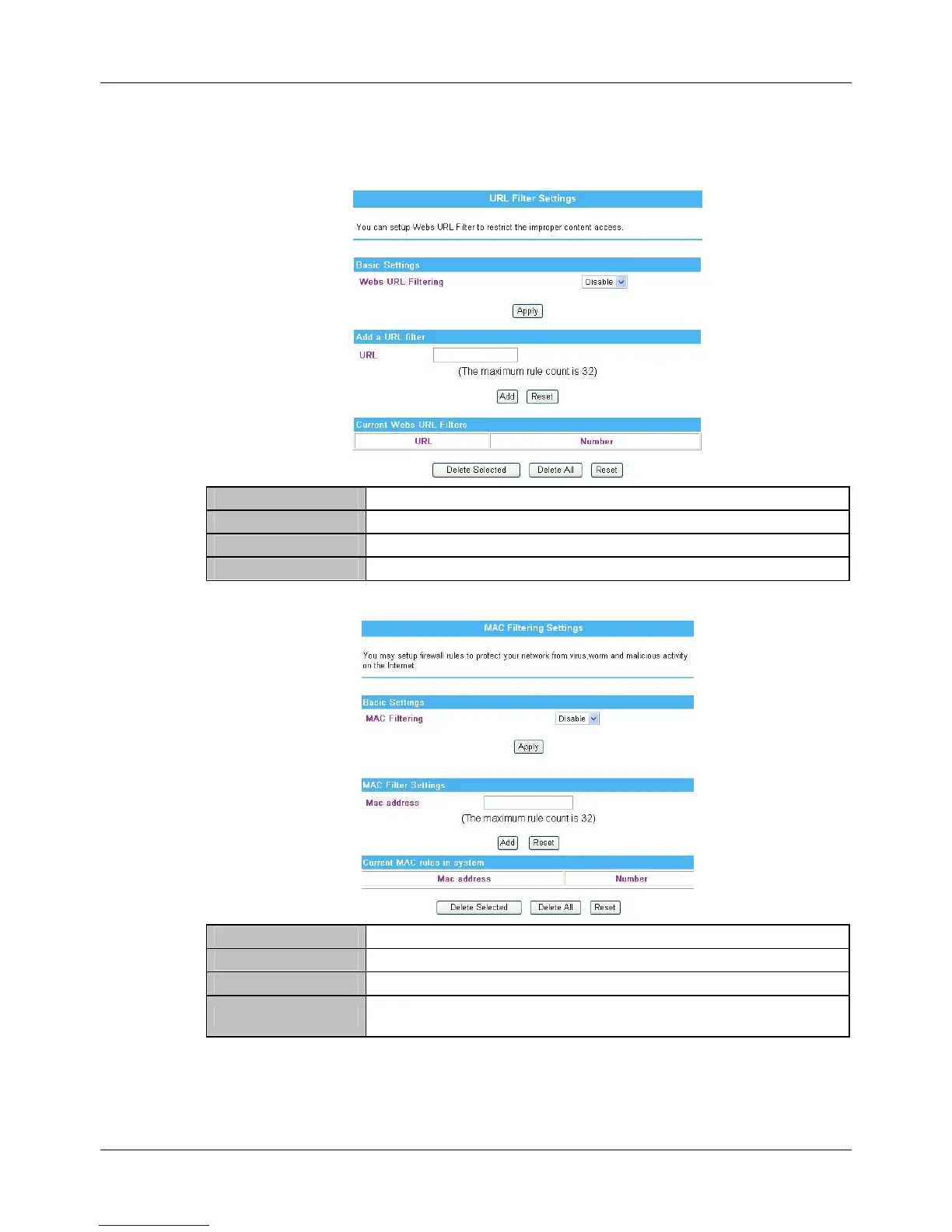
4.7.3. URL Filtering Settings
Webs URL Filtering Select Disable or Enable from the pull-down menu. Default setting is Disable.
URL Enter the IP address or URL to restrict the improper content access.
URL Here shows the URL information that added in the URL filter list.
Number Here shows the number that URL listed. The maximum rule count is 32.
4.7.4. MAC Filtering
MAC Filtering Select Enable or Disable from the pull-down list. Default setting is Disable.
MAC Address Enter the client MAC address that user would like to disconnect.
MAC Address Here shows the MAC address that added in the filter list.
Number
Here shows the number that MAC address listed. The maximum rule count is
32.



 To Next Page