PROLiNK
®
PWH2004 User Manual www.prolink2u.com
Revision 1.0 (Aug’09) 33
4.6.4. WPS
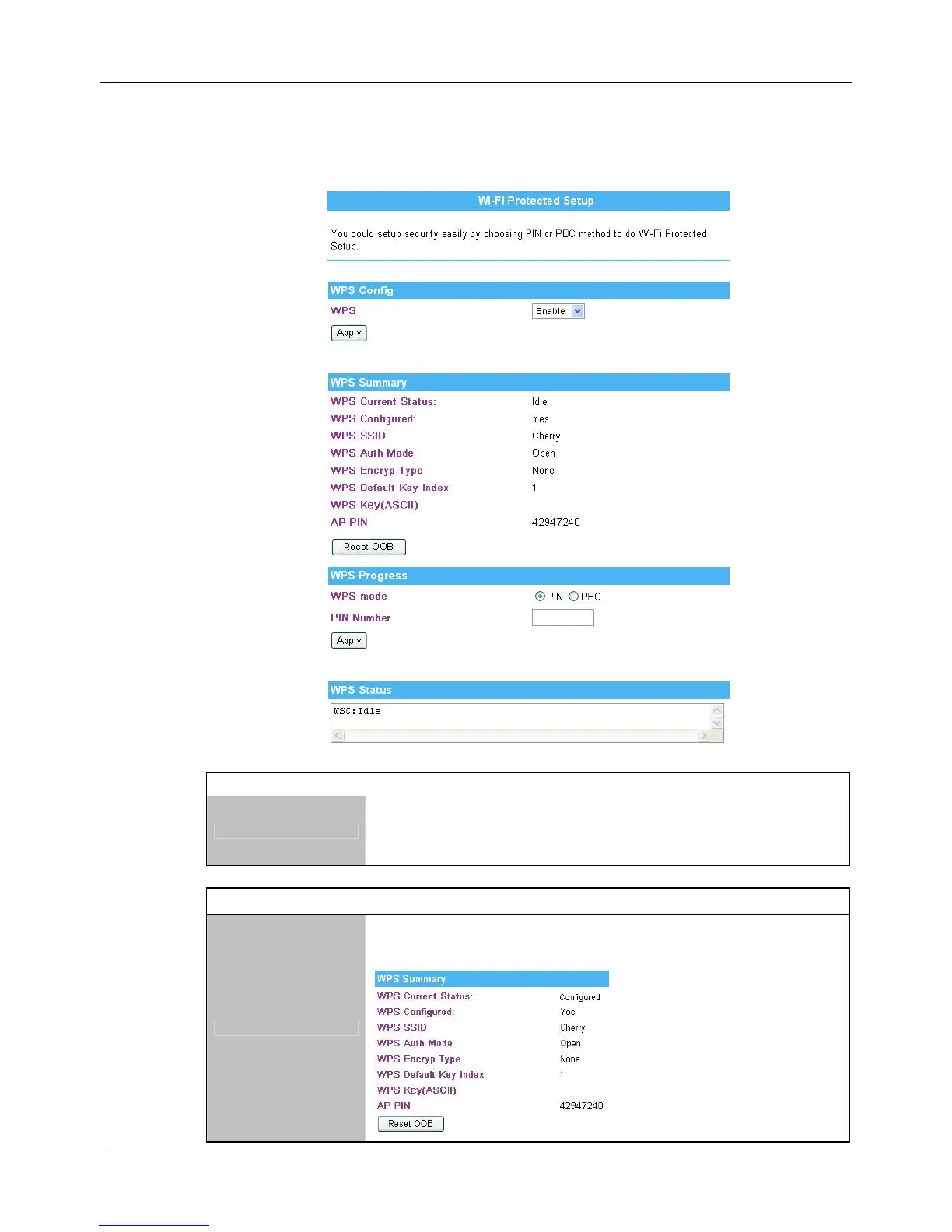
WPS Config
WPS
Select Enable then click Apply to use WPS (Wi-Fi Protected Setup) function,
and then push physical WPS button on Wireless Router to make a WPS
connection. Default setting is Disable.
WPS Summary
WPS Current Status
After enabling the WPS function, if there is connection the status will show
Configured, otherwise, the status will show Idle.



 To Next Page