PROLiNK
®
PWH2004 User Manual www.prolink2u.com
Revision 1.0 (Aug’09) 40
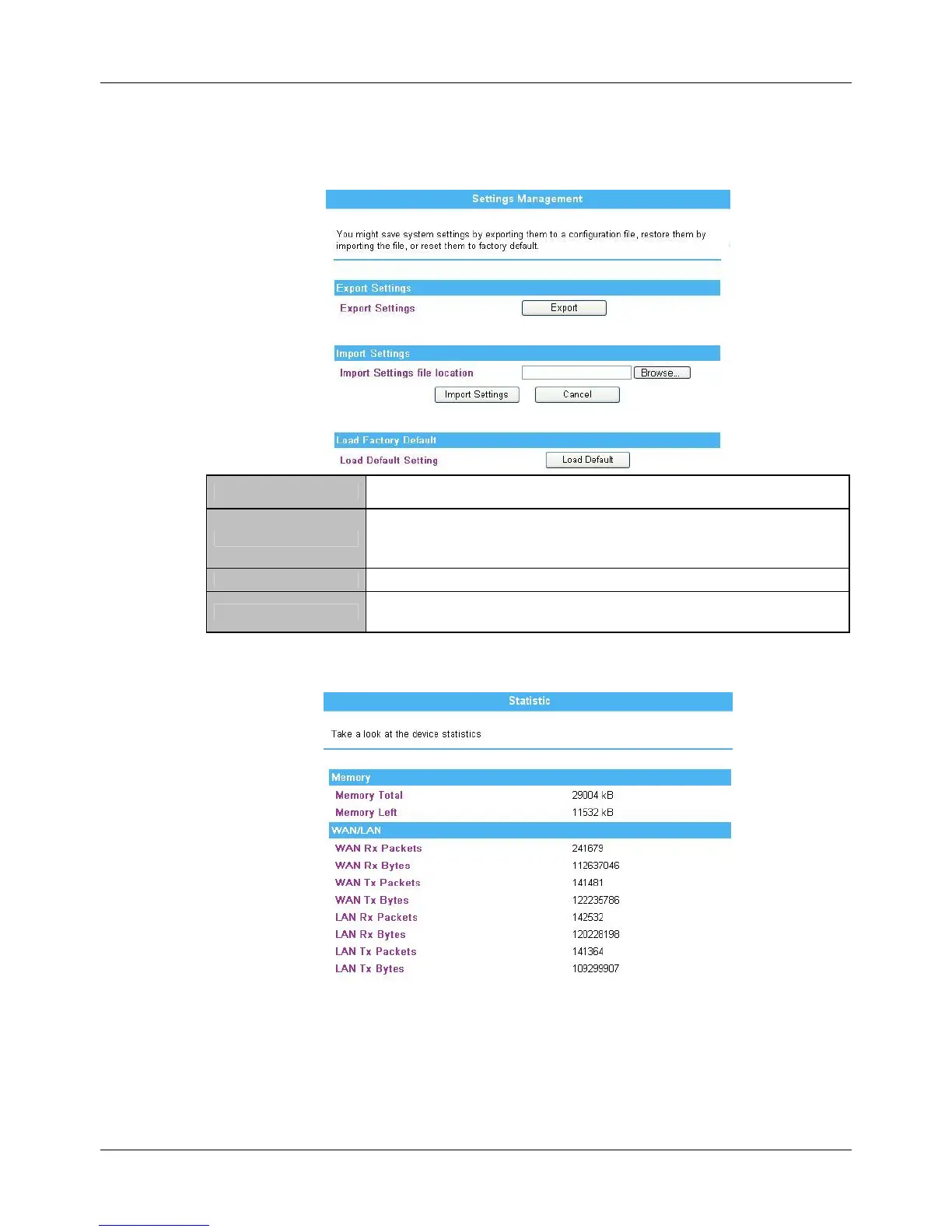
4.8.4. Settings Management
Export
Click the Export button to save the current device settings to located
computer.
Import Settings
Click the Browse… button, find and open the settings file (the browser will
display to correct file path), then click the Import Settings button to use the
device settings that previous saved.
Cancel Click to discard the file that you selected form your located computer.
Load Default
Click to Load Default button to set the Wireless Router back to factory default
settings.
4.8.5. Statistics
This page shows all system memory, WAN/LAN, all interfaces statistics.



 To Next Page