PROLiNK
®
PWH2004 User Manual www.prolink2u.com
Revision 1.0 (Aug’09) 44
5.2.4 Checking TCP/IP Settings - Windows XP
a. Select Control Panel - Network Connection.
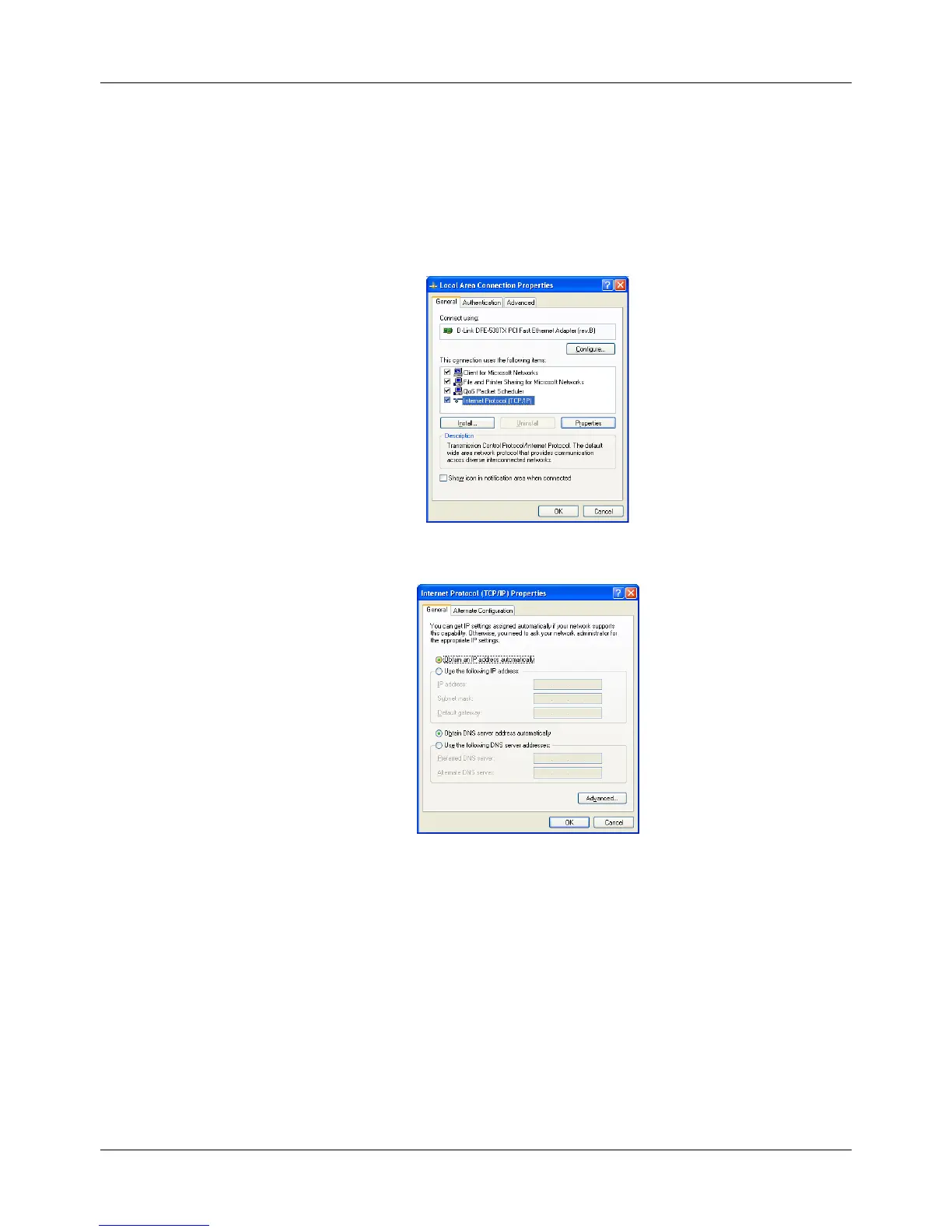
b. Right click the Local Area Connection and choose Properties. You should see a screen like the
following:
c. Select the TCP/IP protocol for your network card.
d. Click on the Properties button. You should then see a screen like the following.
e. Ensure your TCP/IP settings are correct.
5.2.4.1 Using DHCP
• To use DHCP, select the radio button Obtain an IP Address automatically. This is the
default Windows setting. Using this is recommended. By default, the Wireless Router
will act as a DHCP Server.
• Restart your PC to ensure it obtains an IP Address from the Wireless Router.
• Using a fixed IP Address ("Use the following IP Address")
• If your PC is already configured, check with your network administrator before making
the following changes.



 To Next Page