PROLiNK
®
PWH2004 User Manual www.prolink2u.com
Revision 1.0 (Aug’09) 25
BSSID Shows the MAC address of the Wireless Router.
Frequency
(Channel)
Select 1~11 or Auto Select from the pull-down menu.
HT Physical Mode
Channel Band
Width
Select 20 or 20/40. (Default setting is 20/40.)
Guard Interval Select Long or Auto. (Default setting is Auto.)
MCS Select form the pull-down menu 0~7 or Auto. (Default setting is Auto.)
Decline BA Request Select Disable or Enable. (Default setting is Disable.)
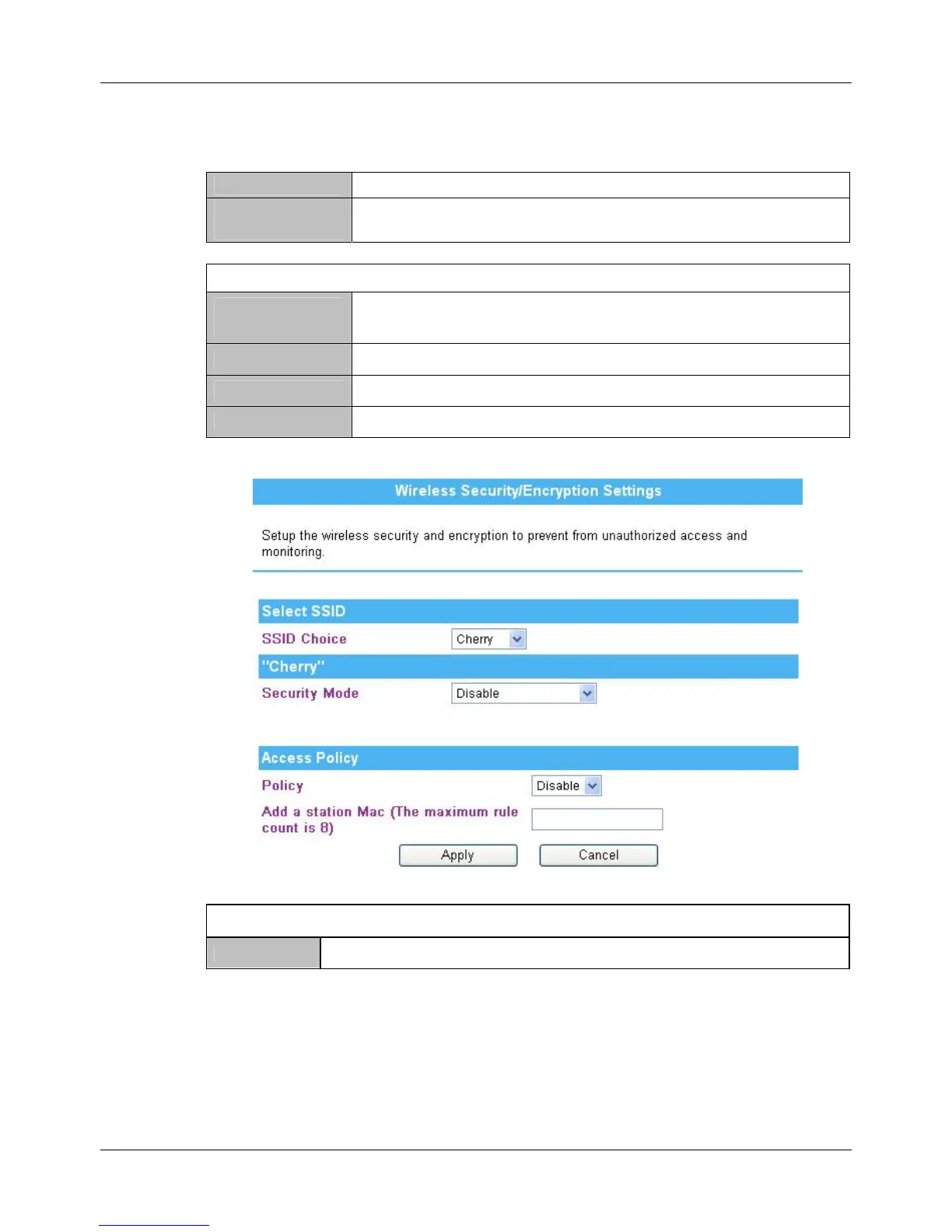
4.6.2. Security
Wireless Security/Encryption Settings
SSID Choice Select SSID to set up the security form the pull-down list.



 To Next Page