PRC2402M User Manual v1.1
Page 43 / 49
App User Interface Configuration
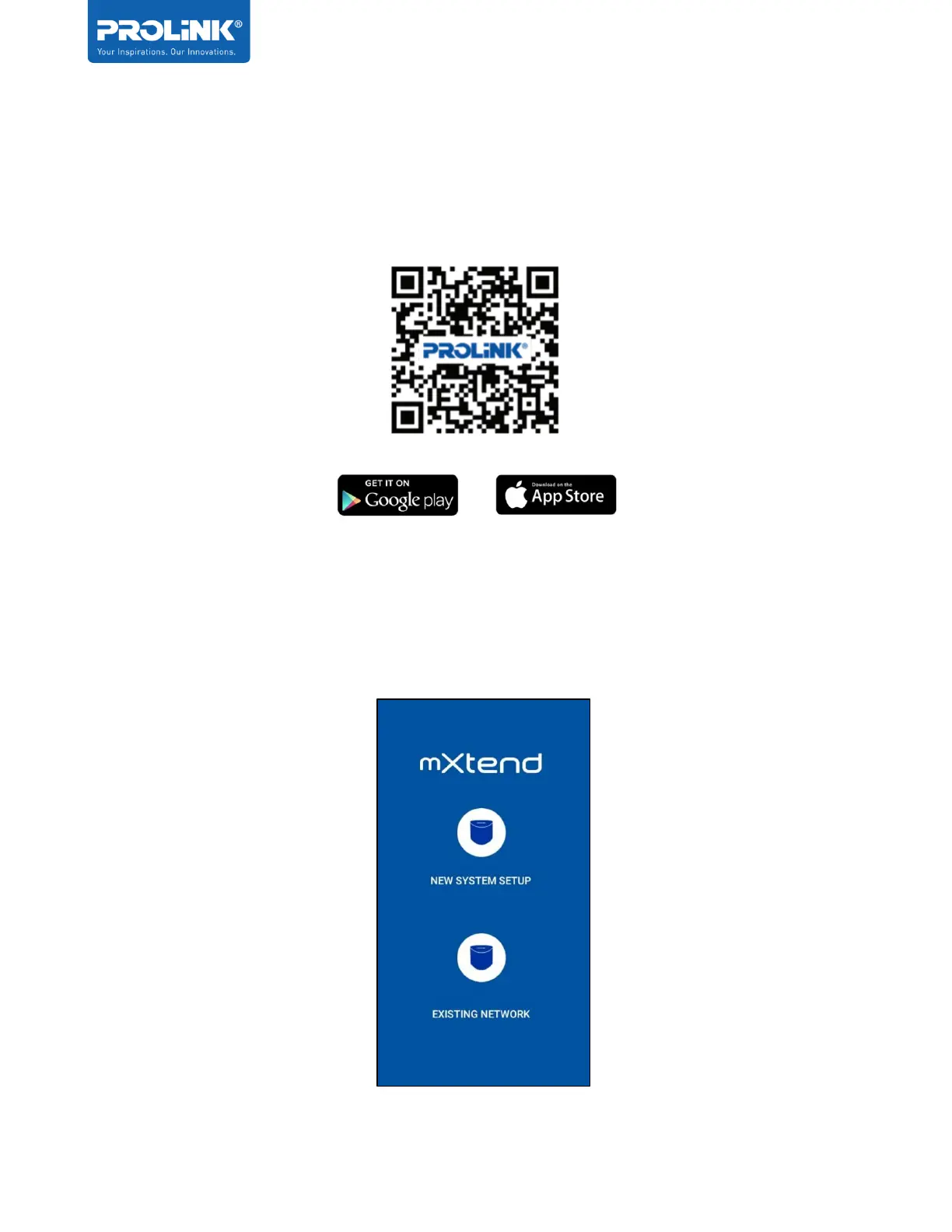
1. Search for mXtend App through your mobile phone (Android – Google Play, IOS – App
Store), alternatively scan the QR Code below to download the mXtend App.
2. Once the app is installed, connect your phone to PRC2402M Wi-Fi Network and launch
mXtend App.
3. Select New System Setup and follow the step to do the initial setup, if the Mesh Router is
already setup, select Existing Network.


 To Next Page