Function List Description Available Option
Setting to enable / disable the recording
video voice.
Off - Disables to record video without voice.
On - Enables to record video with voice.
This is the default one.
Off / On
Setting to stamp the date on the video.
Off - No date shows on the screen.
On - Date shows on the screen and
this is the default value.
Setting for the sensitivity to detect
collision to protect the recording
video.
Off - Disable the G-sensor function.
High - The collision will be detected
at the easiest.
Medium - The collision will be detected
easier.
Low - The collision will normally be
detected. This is the default setting.
Off / High / Medium
/ Low
11
PC 105 HD Dash Cam
Record Audio
Date Stamp
Off / On
G - Sensor
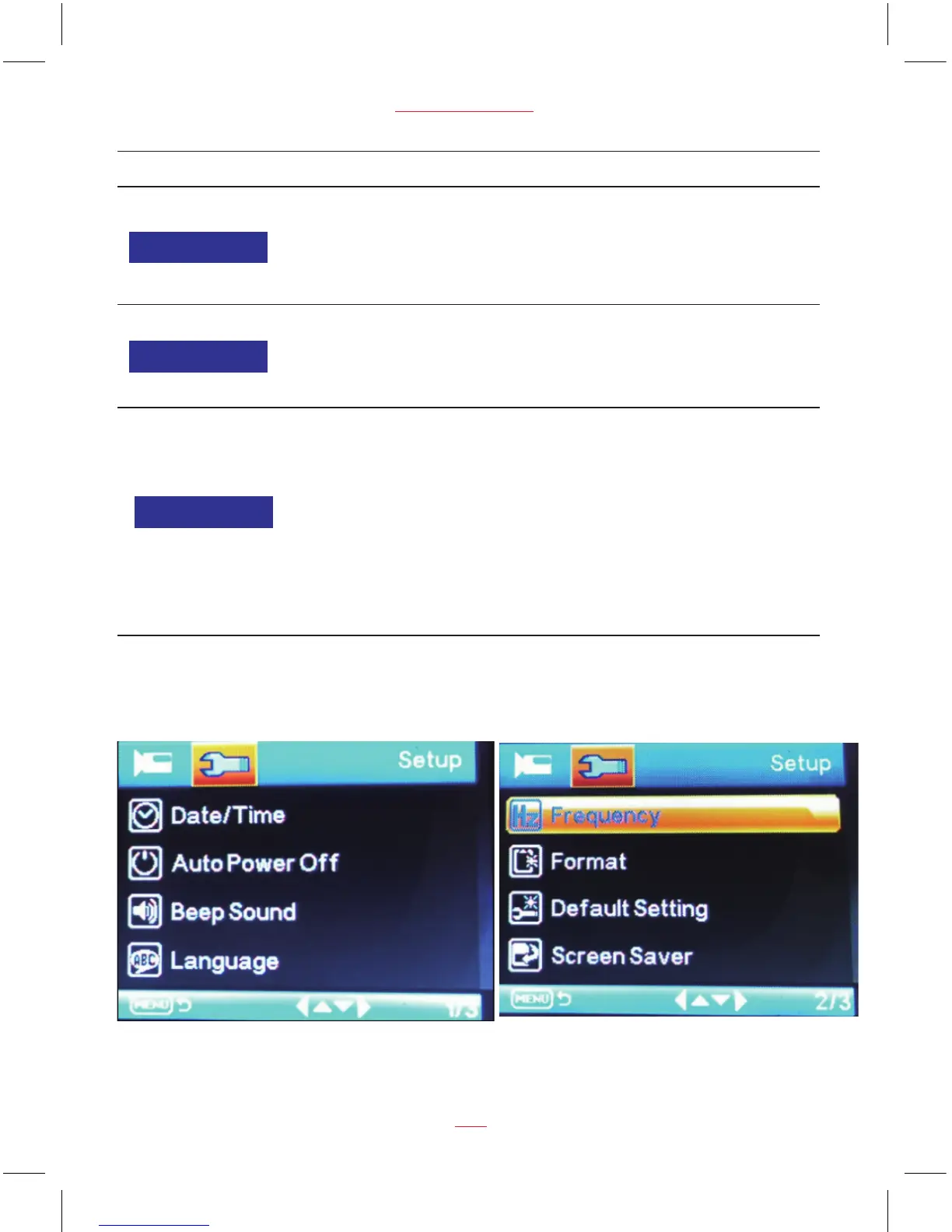
Setup Menu Options



 To Next Page