PC 105 HD Dash Cam
15
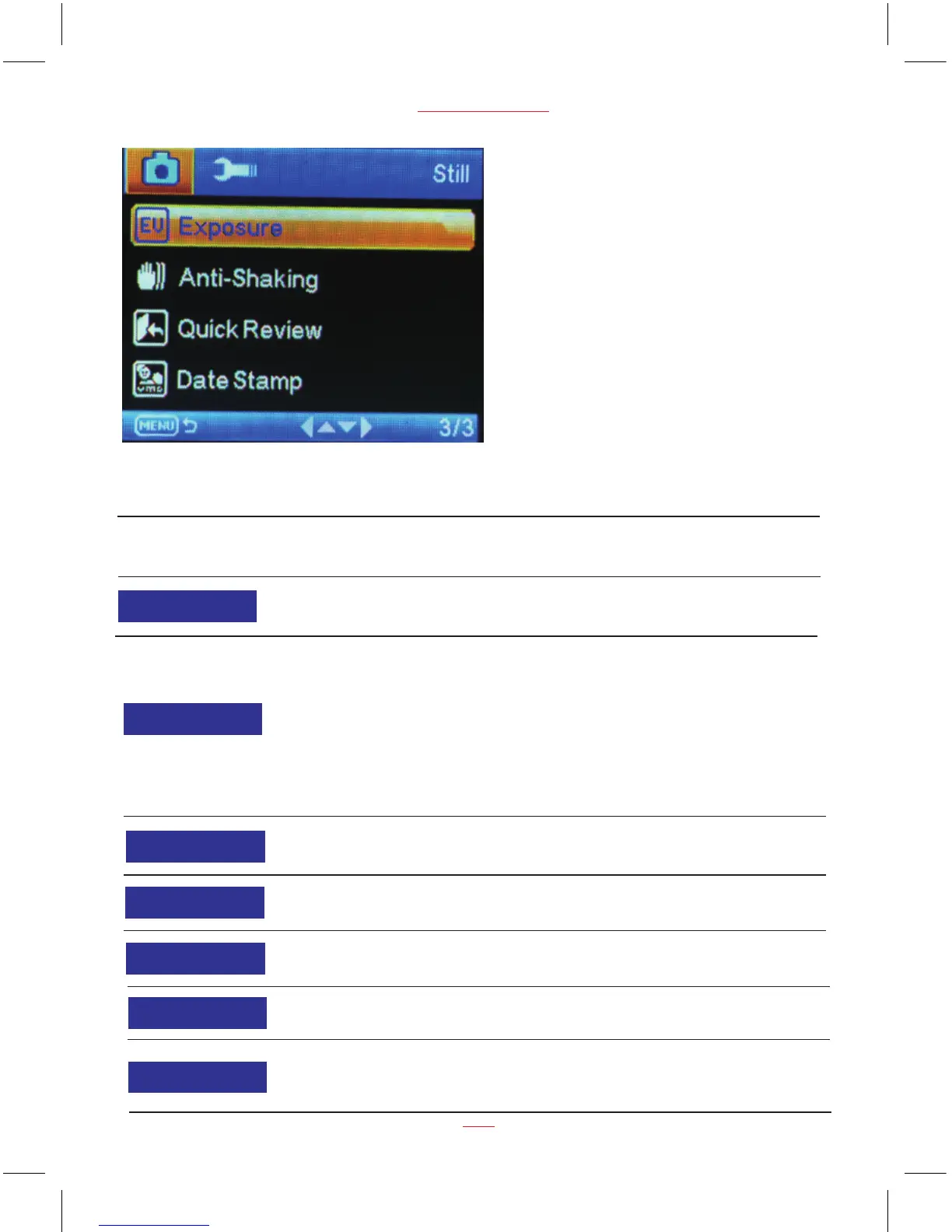
Still Capture settings
Function List Description Available Option
Capture Mode Set the photo zoom.
Single / 2S Timer /
5S Timer / 10S Timer
Set the photo resolution.
1.3M is the default value
12M 4032 x 3024
10M 3648 x 2736
8M 3264 x 2448
5M 2592 x 1944
3M 2048 x 1536
2MHD 1920 x 1080
VGA 640 x 480
1.3M 1280 x 960
Resolution
On / Off
Set the photo sequence.
Sequence
Fine / Normal / EconomySet the photo quality.
Quality
Strong / Normal / SoftSet the photo effect.
Sharpness
Auto / Daylight / Cloudy /
Fluorescent
Set the photo effect.
White Balance
Normal / Black & White /
Sepia
Set the photo color.
Color


 To Next Page