www.proofcam.com
12
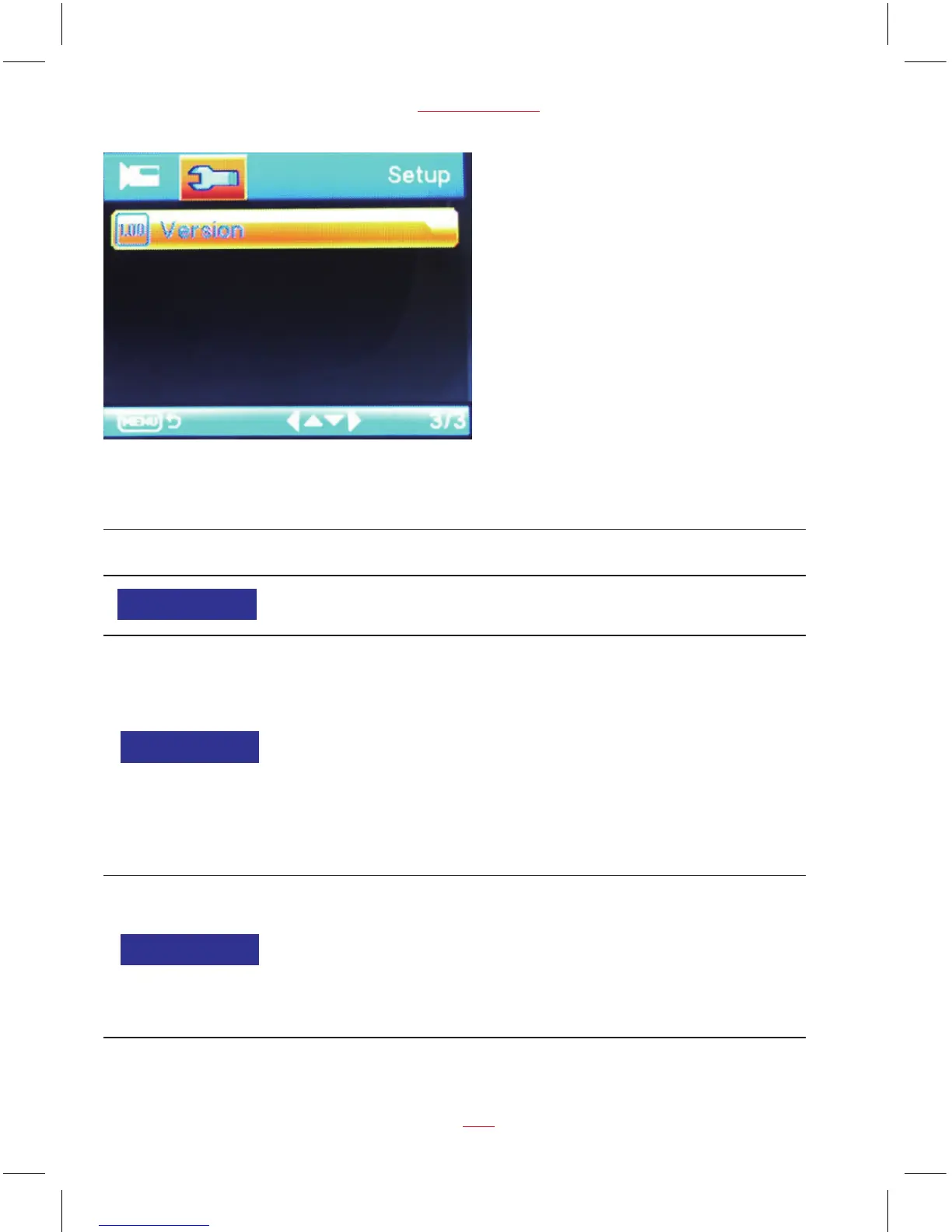
Setup Mode
Function List Description Available Option
Set the system date & time.
DD / MM / YY
HH : MM : SS
Date / Time
Off / 1 Minute / 3 Minutes
Set the automatic power off time when
the dash cam is not recording or
operating.
Off - The dash cam will not automatically
power off. This is the default setting.
1 Mintues - The dash cam will
automatically turn off after the dash cam
is not recorded or operated 1 minutes.
3 Minutes - The dash cam will
automatically turn off after the dash cam
is not recorded or operated 3 minutes.
Auto Power Off
Off / On
Setting to enable / disable the press
button beep sound.
Off - No beeps sound when you press
button.
On - Select this to enable audible
system beeps when seeting the menu
options. This is the default setting.
Beep Sound


 To Next Page