www.proofcam.com
16
Function List Description Available Option
ISO
Set the photo effect. Auto / 100 / 200 / 400
-2.0 / -5/3 / -4/3 / -1.0 /
-2/3 / -1/3 / +0.0 / +1/3 /
+2/3 / +1.0 / + 4/3 / +5/3
/ +2.0
Manual set the photo’s compensation
for low or bright light levels.
Exposure
On / Off
Reduce or don’t affect the photo shaking
level.
Anti Shaking
Off/2Seconds/5SecondsSet the photo review speed.
Quick Review
Off / Date / Date/TimeSet the stamp format on the photo.
Date Stamp
Playing Back Videos and Photos
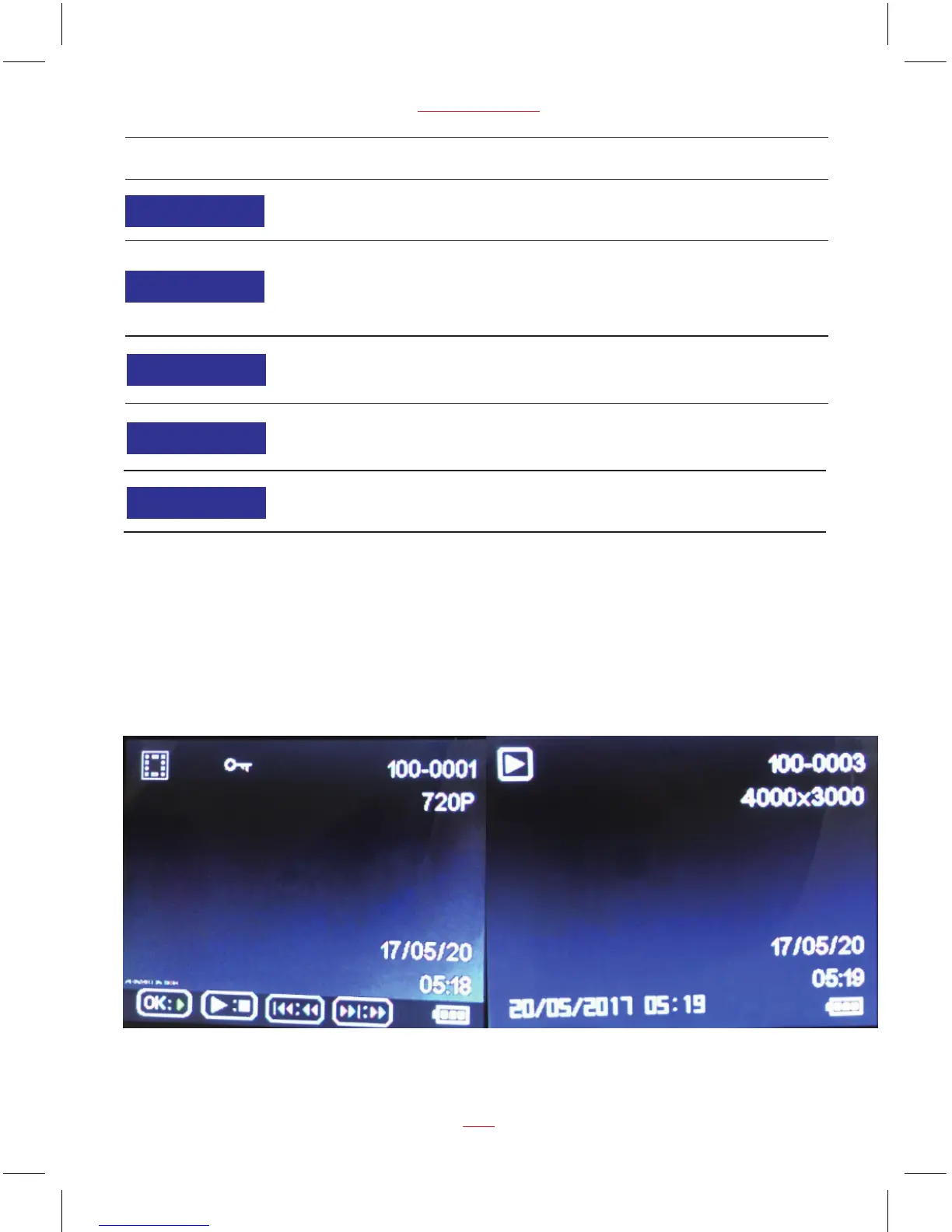
Play Video and Photo Screen
Note:
The first file in playback is the last operating video / photo before entering playback mode. The
following files will be the ruled in turn according to operate time.
Press MODE button switch to playback mode, press UP and DOWN buttons to select the videos
and photos, then press REC/OK button to view video and photo.


 To Next Page