Function List Description Available Option
Select the desired OSD language.
English
13
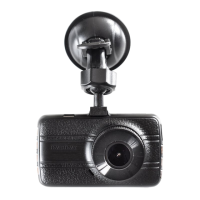
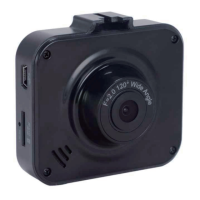
PC 105 HD Dash Cam
Language
Set the suitable frequency. 50 Hz / 60 Hz Frequency
Format the inserted Micro SD card
videos and pictures.
OK - Select this option completes the
format process. All the videos and
pictures will be deleted.
Cancel - Select this to end the format
and return to the previous menu.
Warning: All videos and photos are
permanently deleted and CANNOT
be recovered once the SD card is
formatted.
Cancel / OK
Format
Set the dash cam to the original
factory default settings.
Default Setting
Cancel / OK
Manage the backlight of the screen.
It is advisable to enable this feature to
preserve the battery power.
Off - Select to disable power saving
for the screen. Screen will keep on
all the time.
1 minute / 2 minutes / 5 minutes -
The dash cam will automatically shut
down the screen after 1 minute / 2
minutes / 5 minutes if no operation.
2 minutes is the default setting.
Note: If enabled, the dash cam continues
to record video even when the screen is
shut off.
Press any button to turn on the screen.
Off / 1 Minute /
2 Minutes /
5 Minutes
Screen Saver
This option displays the current firmware
version of the dash cam.
This information may be important for
service and support communications.
Version
20170514V01


 To Next Page