Setting Up
TV Front
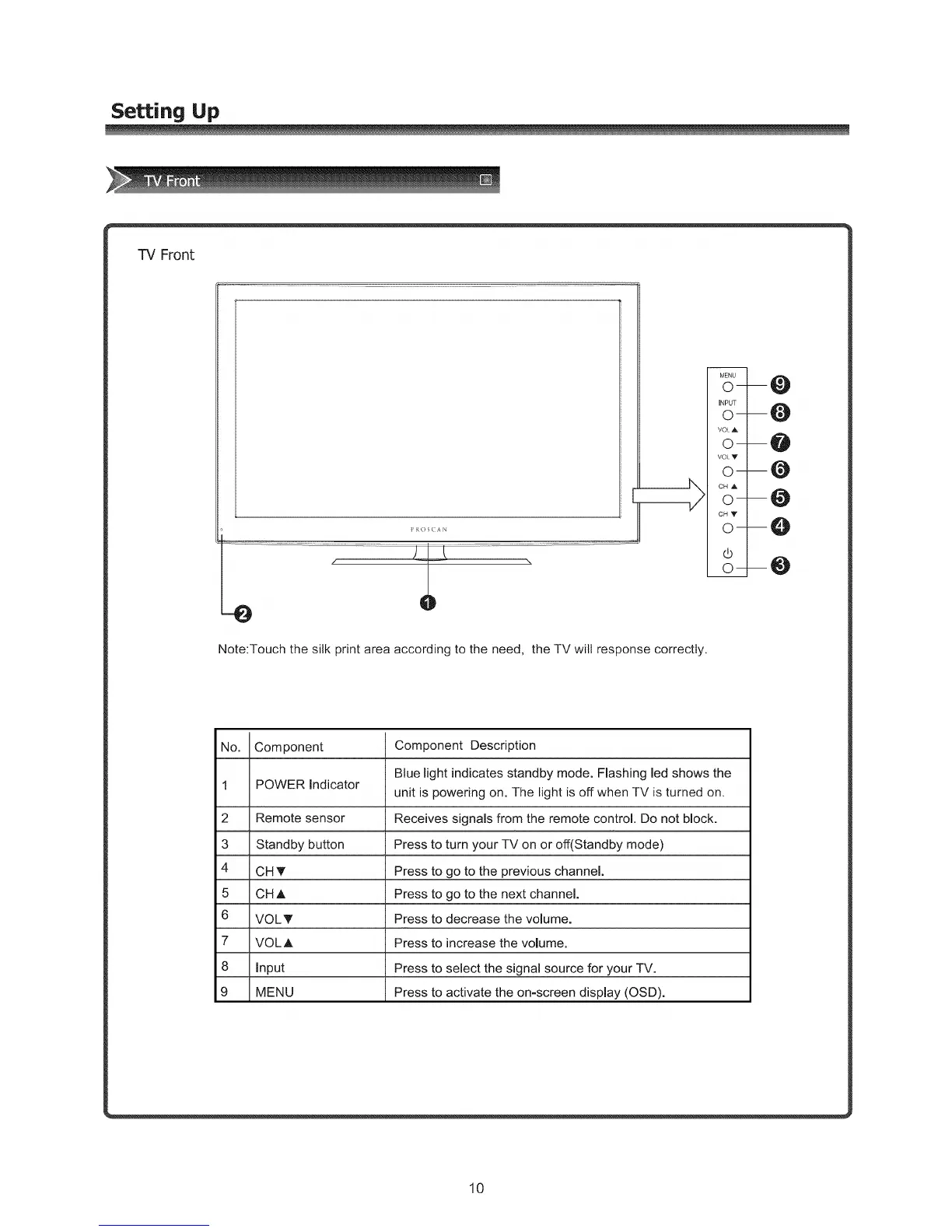
Note:Touch the silk print area according to the need, the TV will response correctly.
No. Component Component Description
Blue light indicates standby mode. Flashing led shows the
1 POWER indicator
unit is powering on. The light is off when TV is turned on.
2 Remote sensor Receives signals from the remote control. Do not block.
3 Standby button Press to turn your TV on or off(Standby mode)
4 CH _' Press to go to the previous channel.
5 CH A Press to go to the next channel.
6 VOLT Press to decrease the volume.
7 VOLA Press to increase the volume.
8 input Press to select the signal source for your TV.
9 MENU Press to activate the on-screen display (OSD).
10



 To Next Page