Changing the TV Settings
MFC: To improve the perception of moving images.
The weak setting is suitable for most programs and
is recommended for general viewing, normal and
strong settings can further enhance motion, however
on some cases can create a halo effect on edges of
moving objects. You may need to switch settings
pending the contents your viewing.
PROSCAN using MFC's unique motion compensation technology, which eliminates the tail and jitter
of dynamic images effectively, and makes the image edge clearer.
It reduce the dynamic screen blur which is difficult to be perceived by human eyes. Even playing
rolling subtitles, the font edge is also clear.
Effect - Removes drag from fast scenes with a lot of movement to provide a clearer picture.
If you enable MFC (Motion Flow Compensation), noise may appear on the screen.
If this occurs, set "Effect" to off.
Custom : The TV can be set to automatically sense and process film signals from all sources
and adjust the picture for optimum quality.
- Mode 1 :Adjusts the judder reduction level from video sources when playing 24Hz films.
- Mode 2 :Adjusts the blur reduction level from video sources.
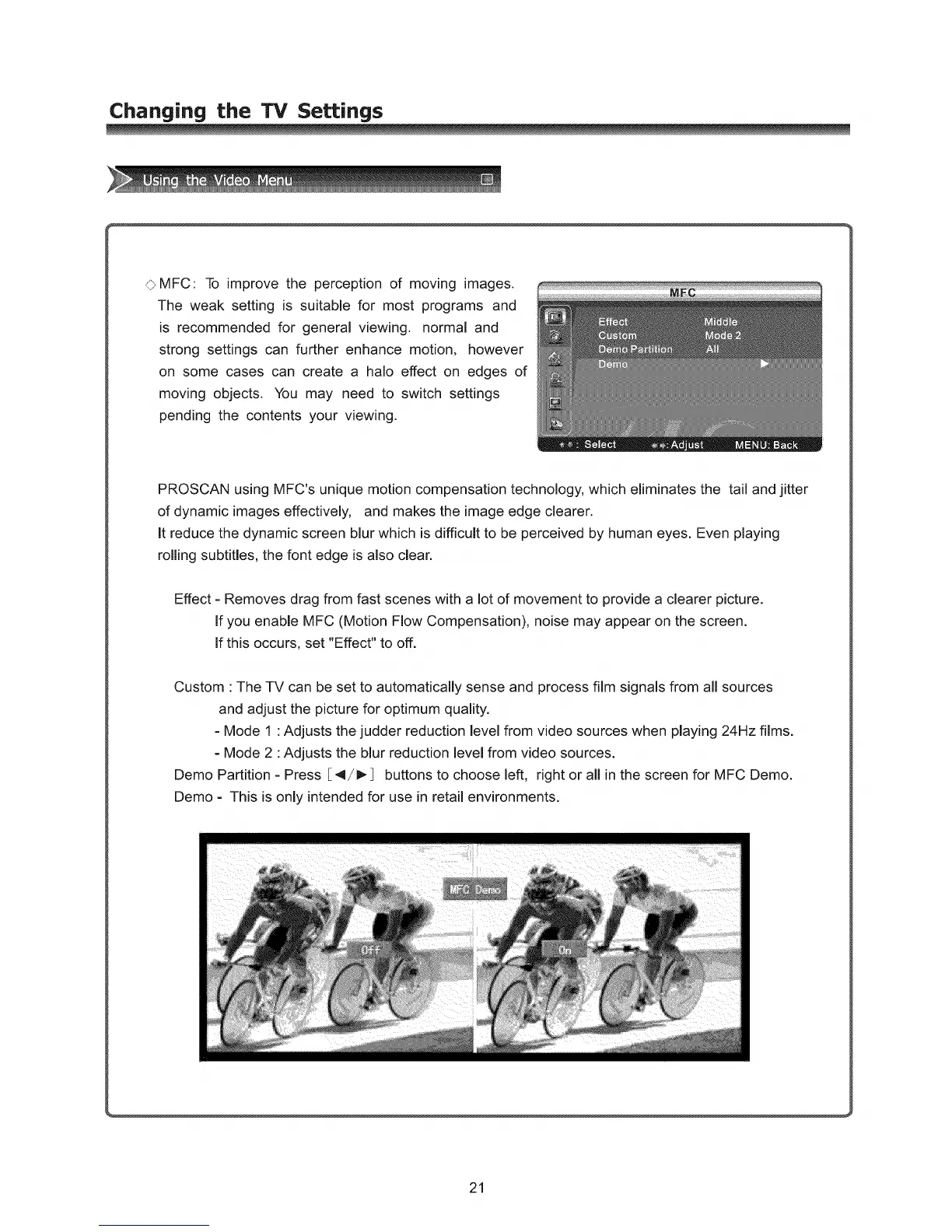
Demo Partition - Press [4/1_ buttons to choose left, right or all in the screen for MFC Demo.
Demo - This is only intended for use in retail environments.
21



 To Next Page