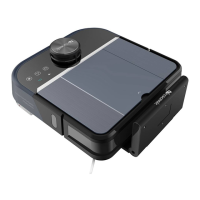
Automatic Maps Navigation
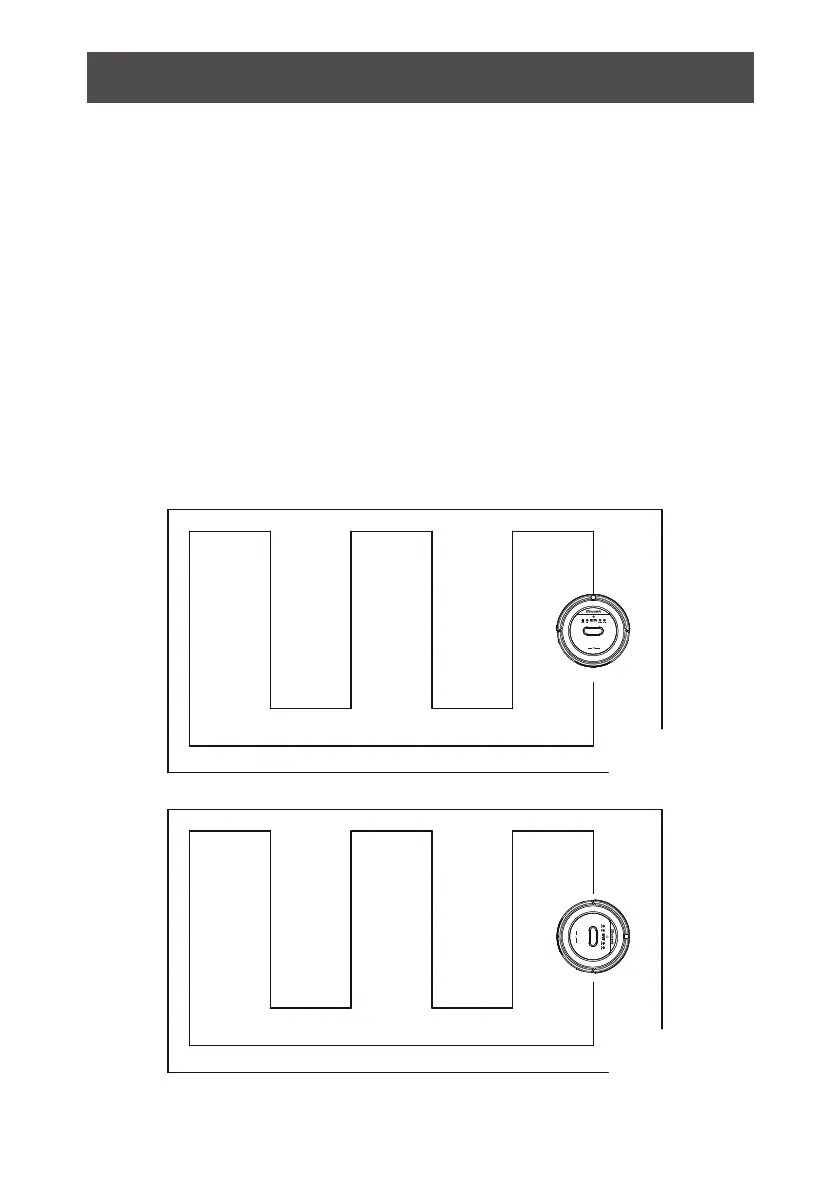
4. The robot will return to docking station automatically after cleaning if
docking station is power on. If no docking station is detected , the robot
will return to the Start Point after cleaning.
docking station
Start Point
1. Before use, place the robot flat on floor.
2. Turn on power switch, next, touch“Clean” button on main body or the
“ON/OFF” button on remote. The display panel shows a countdown from
“5, 4, 3, 2, 1” with voice prompt “System reb
uilding, please wait”
3. After countdown, background lights of buttons on main body are all on.
/Touch ”clean ” button on main body or “ON/OFF” button on remote
one more time to let the robot start cleaning.
Product Features
9



 To Next Page