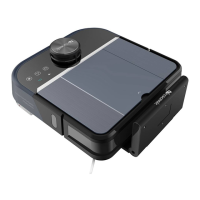
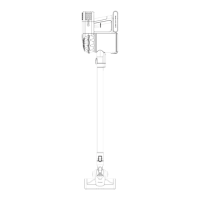
Product Components
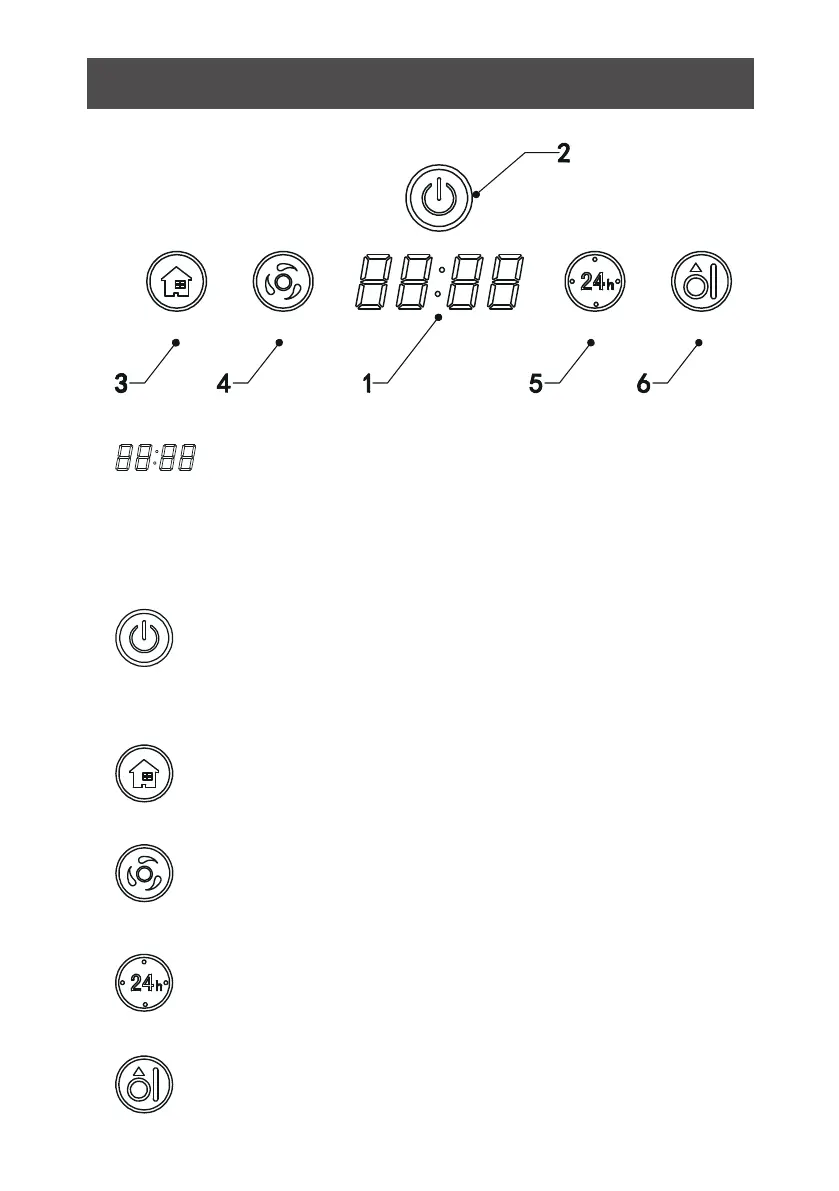
Display Panel
EDGE CLEAN
B. Confirm schedule setting in scheduling mode.
C. Start cleaning in standby mode.
A. Press this button to increase number in scheduling
scheduling
mode.
B. In other mode, press this button to start auto-homing and charg
-ing mode.
A: Press this button to decrease number in scheduling mode.
B: In other mode, press this button to start auto cleaning.
In standby/charging
charging
mode, press this button to enter/quit robot
time settin
g.
Hold this button to enter/quit scheduling mode.
Press this button to start
edge cleaning in standby mode.
panel
it shows the time setting, charging status, and error codes by
using numbers
Button
A. Press this button to activate from sleep mode to standby mode.
In standby mode, press this button and hold it for more than 3
seconds to go into sleep mode.
14
Clean



 To Next Page