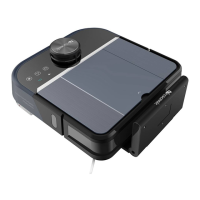
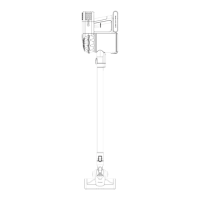
Product Specifications
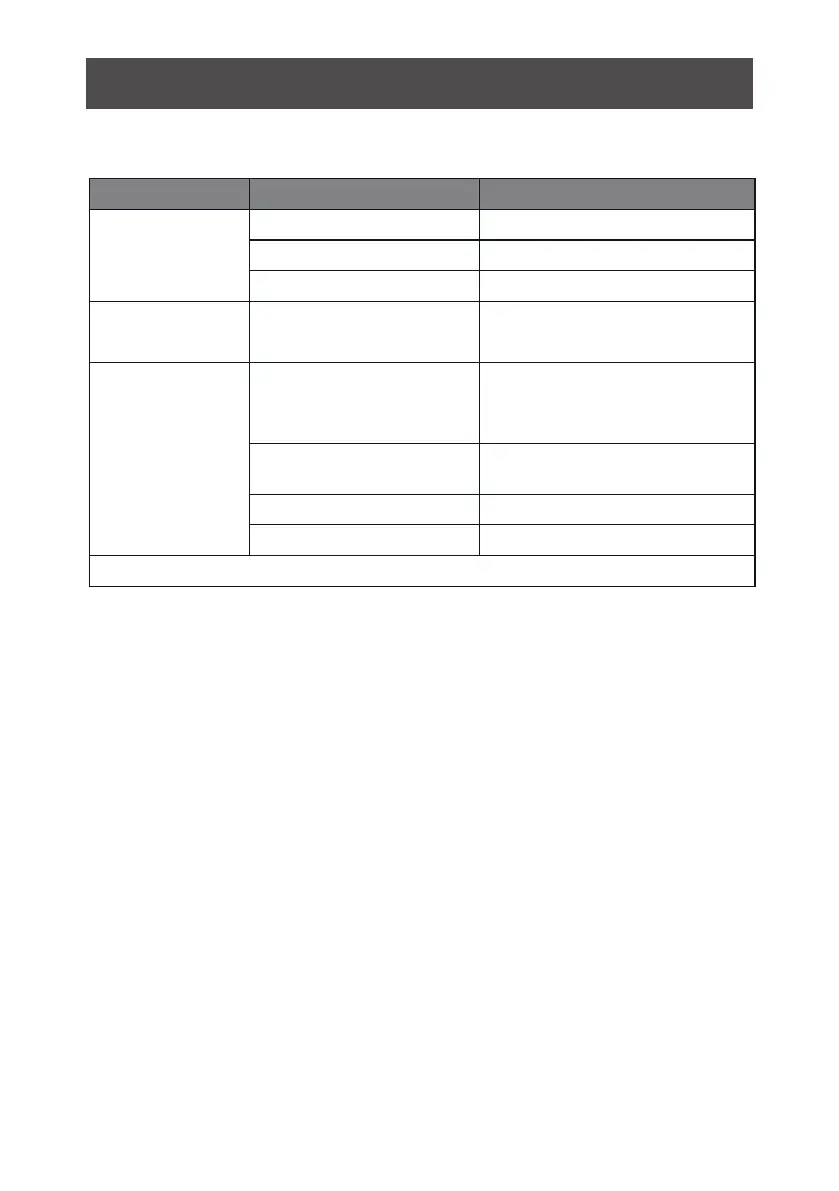
Touch pad (LED display)
Classification
Item
Detail
Mechanical
Specifications
Diameter
350mm
Height
99mm
Weight
3.7Kg
Electrical
Specifications
Power Rating
14.4V
Charging Type
Auto Charging/ Manual
Charging
Cleaning Mode
Charging Time
Cleaning Time
4~6 hours
100 mins
Main Body Button Type
Product Specifications
Cleaning
Specifications
Auto, Area, Edge,
Schedule
Battery Removal
1. Unscrew the screws on battery cover with a screw driver
2. Remove the battery capsule cover
3. Take out the battery
4. Push the el
ectrode tips connected the battery and main body.
5. Put the new
battery into the battery case with the battery label facing up
6. Plug the wire connector that connects the battery and robot.
7. Reorganize the wire connector and wires.
8. Reinstall the battery door
9. Lock the battery capsule cover
Notice: Do not use non original battery. It may cause damage to the robot.
24



 To Next Page