Product Operation
The robot will all return to its start point when
above cleaning modes completed.
b. Choose area cleaning “mode 2”, the screen on
remote will show “MODE 2” and the robot will
clean about 2*2m square area line by line.
c. Choose area cleaning “mode 3”, the screen on
remote will show “MODE 3” and the robot will
clean about 3*3m square area line by line.
d. Choose area cleaning “mode 4”, the screen on
remote will show “MODE 4” and the robot will
clean about 4*4m square area line by line.
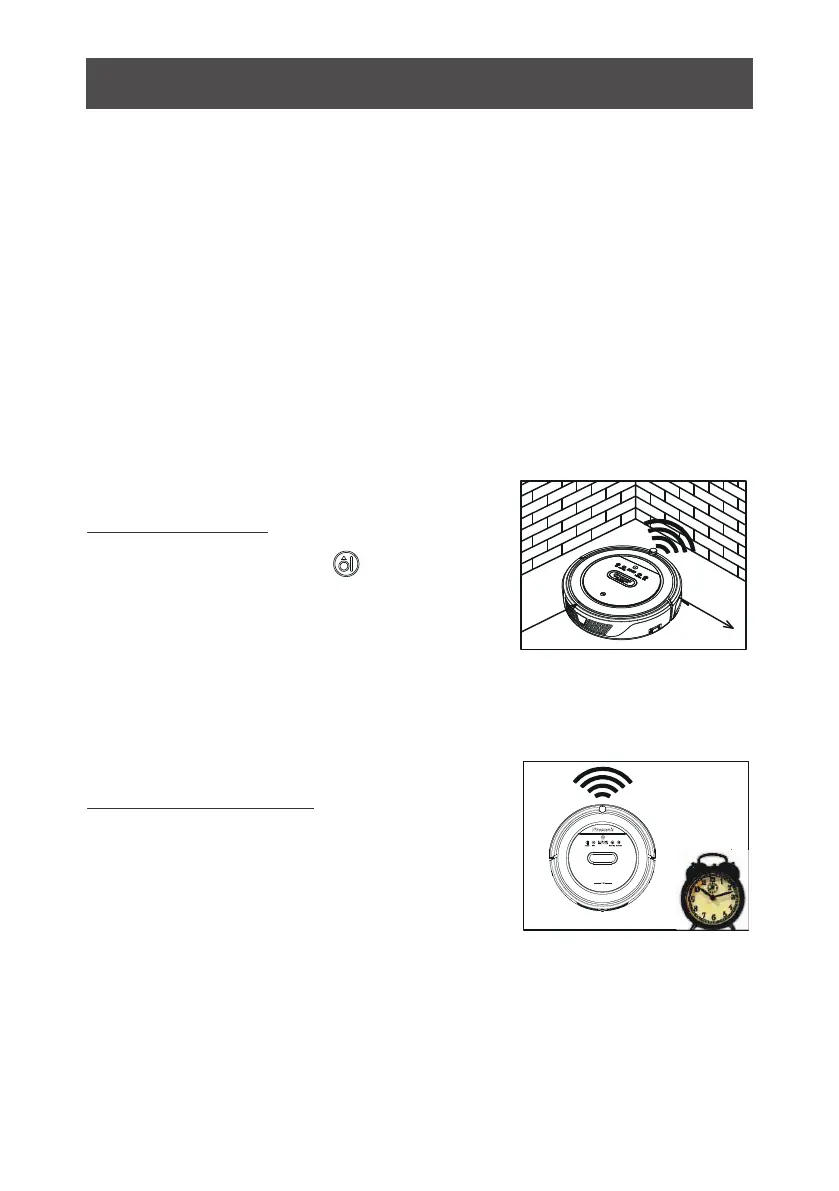
In cleaning mode, press to enter edge
cleaning mode. The robot will clean along
the w
alls.
3. Edge cleaning
Schedule the robot's cleaning according
to yourneed. And our robot will start clean
-ing as scheduled.
4. Schedule cleaning
19



 To Next Page