ProTec Polymer Processing GmbH Foerdergeraet_FG201-FG206_BA_1v0_2018_en
70
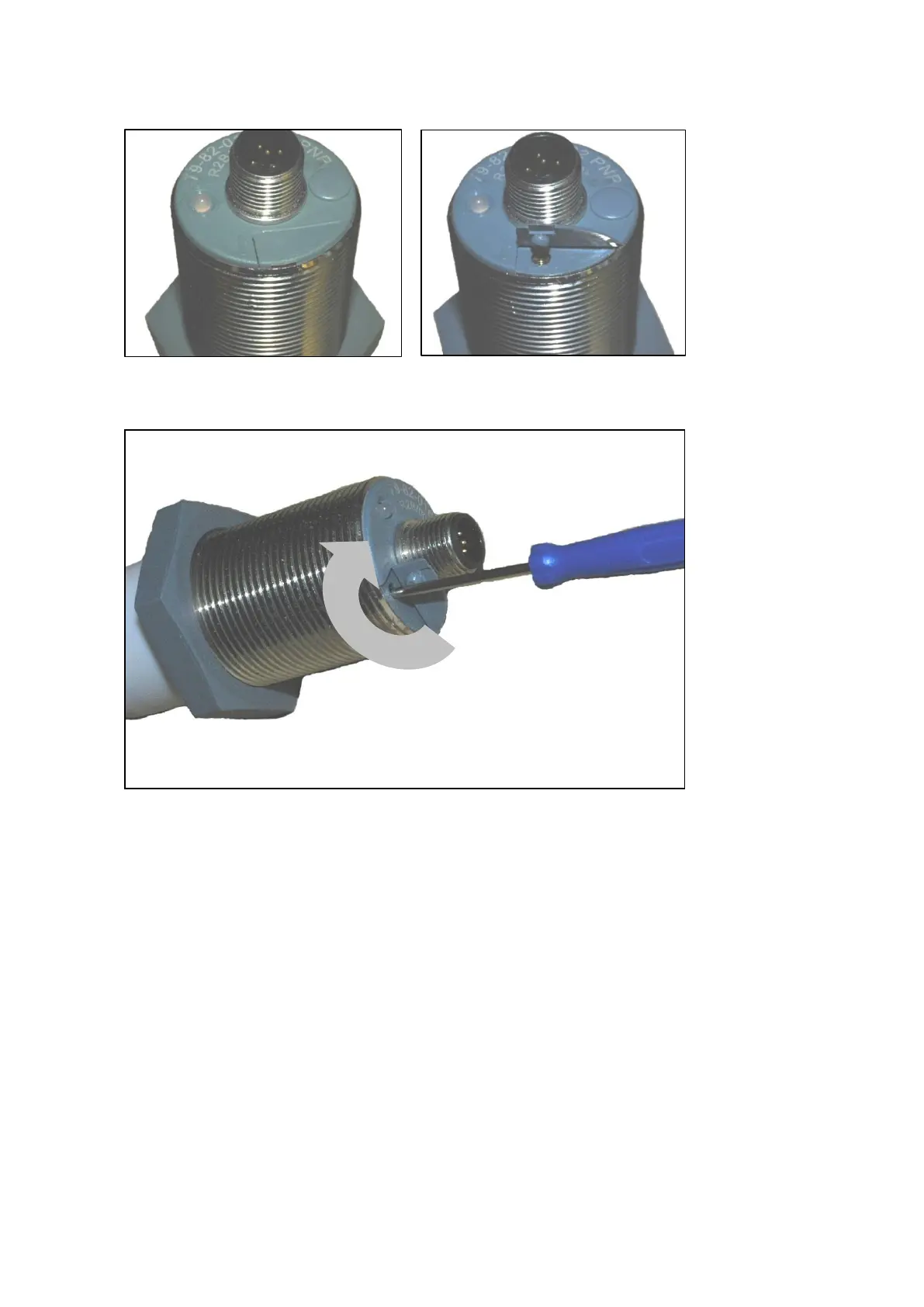
Setting a type (A) fill level indicator:
Figure 1: View of the safety flap Figure 2: Safety flap open
Figure 3: Turning the screwdriver
Half-turn to the right (clockwise)
Sensitivity of the fill level indicator is increased:
Half-turn to the left (counter-clockwise):
Sensitivity of the fill level indicator is reduced:



 To Next Page