EasyManua.ls Logo

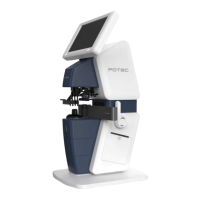
Protec PLM-8000 - Included Accessories

Protec PLM-8000
39 pages
Print Icon
To Next Page IconTo Next Page
To Previous Page IconTo Previous Page
Loading...
PLM-8000 Operation Manual
7
Name
Function
11. RS232C connector
To connect communication with other equipment(PC, PRK-Series,
PDR-7000)
12. LAN cable port
-
13. USB connector
To upgrade S/W, Not for everyday use
14. Power switch
Turn on or off power the device
15. Power Inlet
Connect a power cord
16. Printer cover lever
To open the printer cover at the time of replacing the printer paper
CAUTION
If you want to connect the input / output signal ports and other devices
that must meet IEC standards (IEC60950 IT equipment, IEC60601
medical equipment)
If in doubt should contact POTEC or your authorized distributor.
4.2 Accessories
(1) Operation manual
(2) Contact lens support
(3) Dust cover
(4) Power cable