PLM-8000 Operation Manual
25
6. Self-diagnosis and Maintenance
6.1 Before contacting the service personnel
When the instrument operates abnormally or malfunctions, a warning message will appear
on the display.
In this case, take the following measures.
When the instrument does not work properly even after the following measures are taken,
turn OFF the instrument, and contact an authorized supplier.
(1) Message when the power is turned on
ERROR – Initial Error !!!
Product initialization error
Please check on the Lens holder
Setup Data Error
UV Setup Error
BLUE Setup Error
Trouble of Data in Product
Contact an authorized supplier
UV Init Error
BLUE Init Error
Product initialization error
Check whether something is on
the UV, BLUE sensor or not
(2) Message during measurement
Please check on the Lens holder
Communication cable issue
Check the connecting status of
the communication cable
The lens is out of the physical
measurement range
Place the lens on the center of
the lens support
Contact an authorized supplier
Check the power of the lens.
Cylinder value exceeds±11D
Check the power of the lens.
Check the power of the lens.
The lens with the prism value
exceeding 21△is on the nosepiece.
Check the power of the lens.
The print button was pressed with
no printer paper set.
(3) In case of abnormal measured value without mark of measured
message.
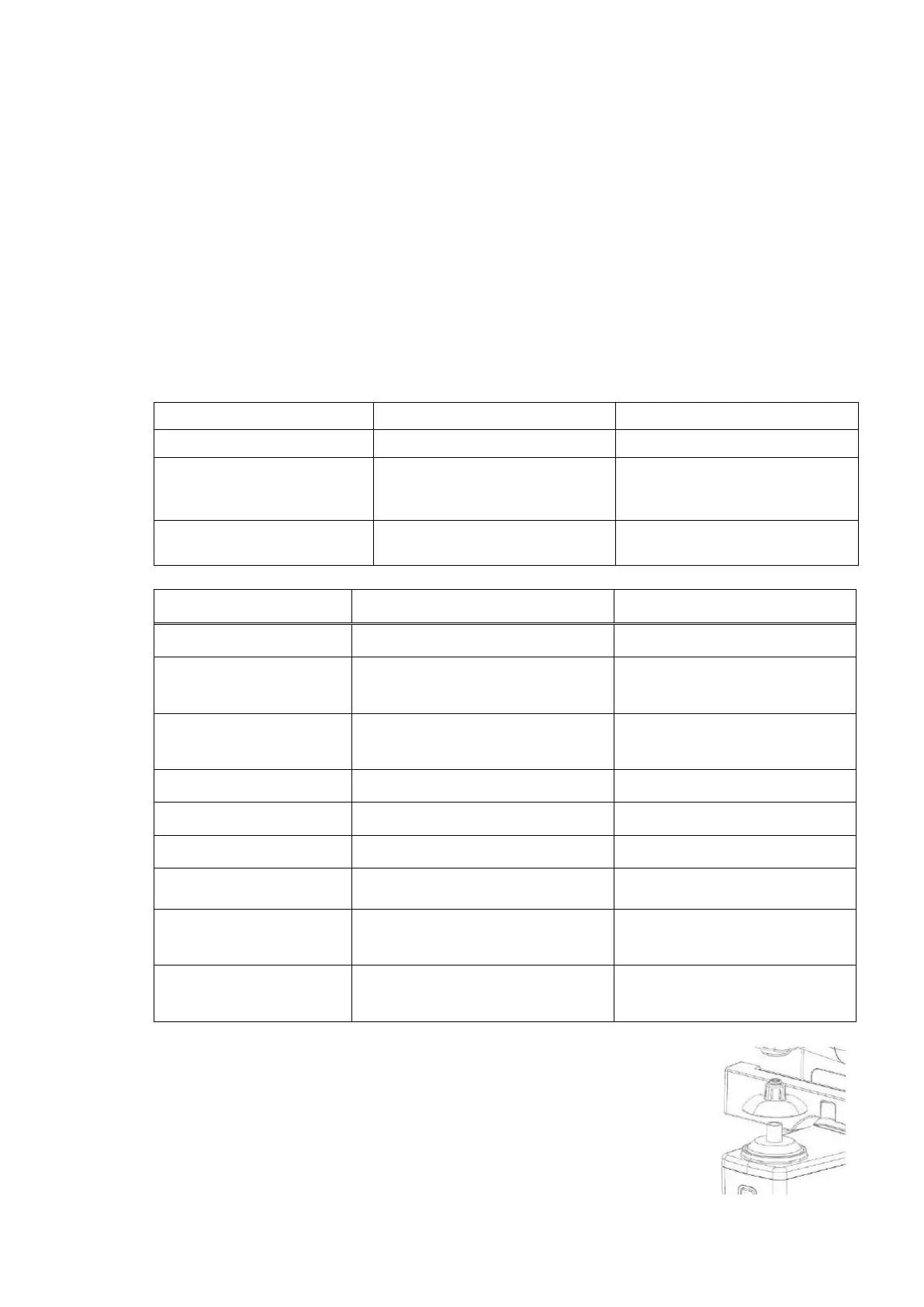
It is the case of dust or alien substances under the lens holder.
To handle such case, measure after reinstalling the lens holder
when dust or alien substances are all removed. Please contact to
sales agency if the problem continuously occurs.


 To Next Page