2
= 1+ ( )MPLT\ 3-q) b,>,4c Pa;e 21) Tlnu.da_ Febut.u_ I(, 2€)))(, *J 44 \M _'" _'_
_., - . # -.£.y
+ +
Conflgunng the Display
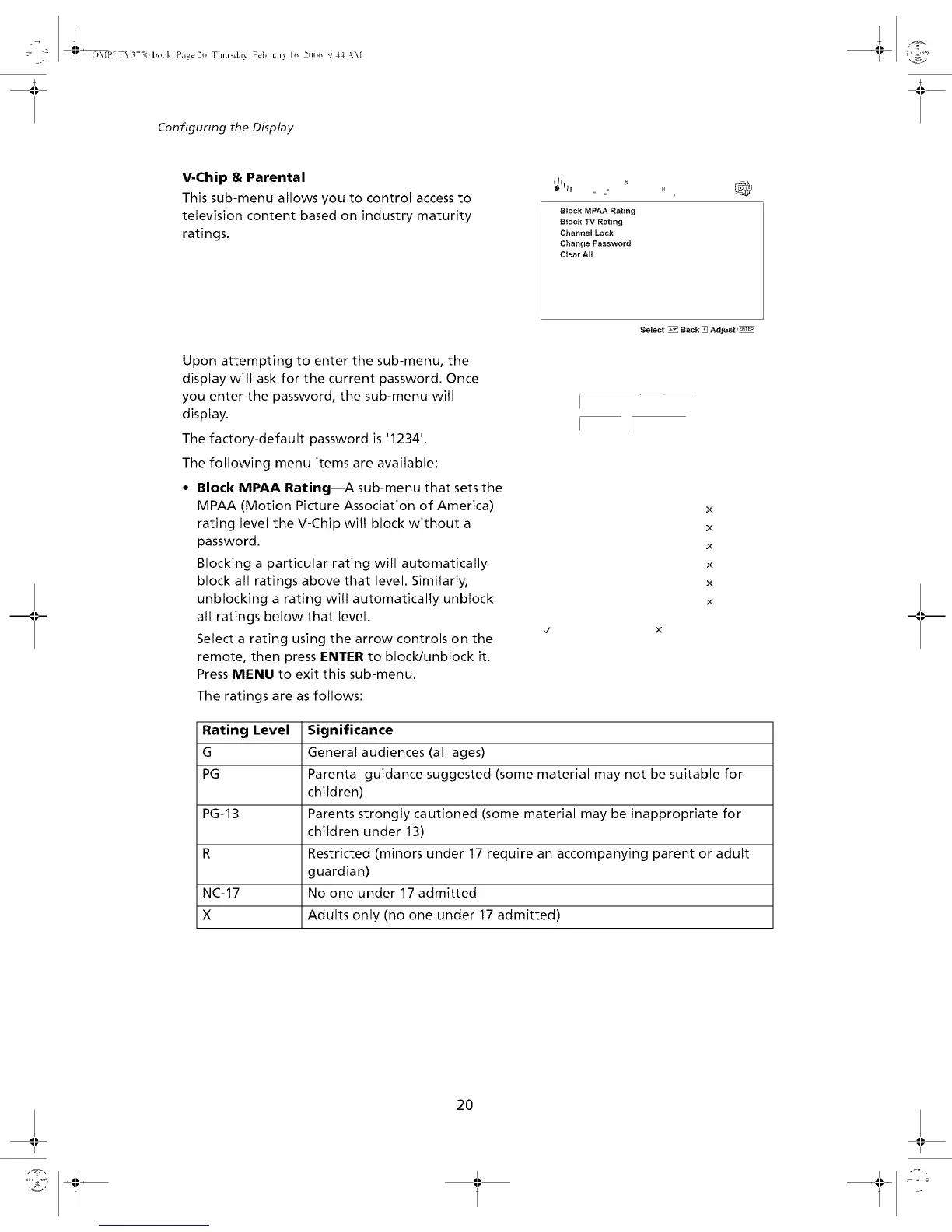
V-Chip & Parental
This sub-menu allows you to control access to
television content based on industry maturity
ratings.
, ,,,,,,,
Block MPAA Rating
IB_ock TV Rating
Channel Lock
Change Password
Clear All
Select _ Back _ Adjust '_
Upon attempting to enter the sub-menu, the
display wilt ask for the current password. Once
you enter the password, the sub-menu will
display.
The factory-default password is '1234'.
The following menu items are available:
• Block MPAA Rating--A sub-menu that sets the
MPAA (Motion Picture Association of America)
rating level the V-Chip wilt block without a
password.
Blocking a particular rating will automatically
block all ratings above that level. Similarly,
unblocking a rating will automatically unblock
all ratings below that level.
Select a rating using the arrow controls on the
remote, then press ENTER to block/unblock it.
Press MENU to exit this sub-menu.
The ratings are asfollows:
x
x
X
x
x
x
Rating Level Significance
G General audiences (all ages)
PG Parental guidance suggested (some material may not be suitable for
children)
PG-13 Parents strongly cautioned (some material may be inappropriate for
children under 13)
R Restricted (minors under 17 require an accompanying parent or adult
guardian)
NC-17 No one under 17 admitted
X Adults only (no one under 17 admitted)
20
I I


 To Next Page