2
t_ {}MPLT\ 3-qt b,,,,tc Pa_e 21 Tlnu_da_ Feblu.]l_ l_ 2ctn_ _) 44 \M i,' -,._
_, - . # ,_£%,
Configuring the Display
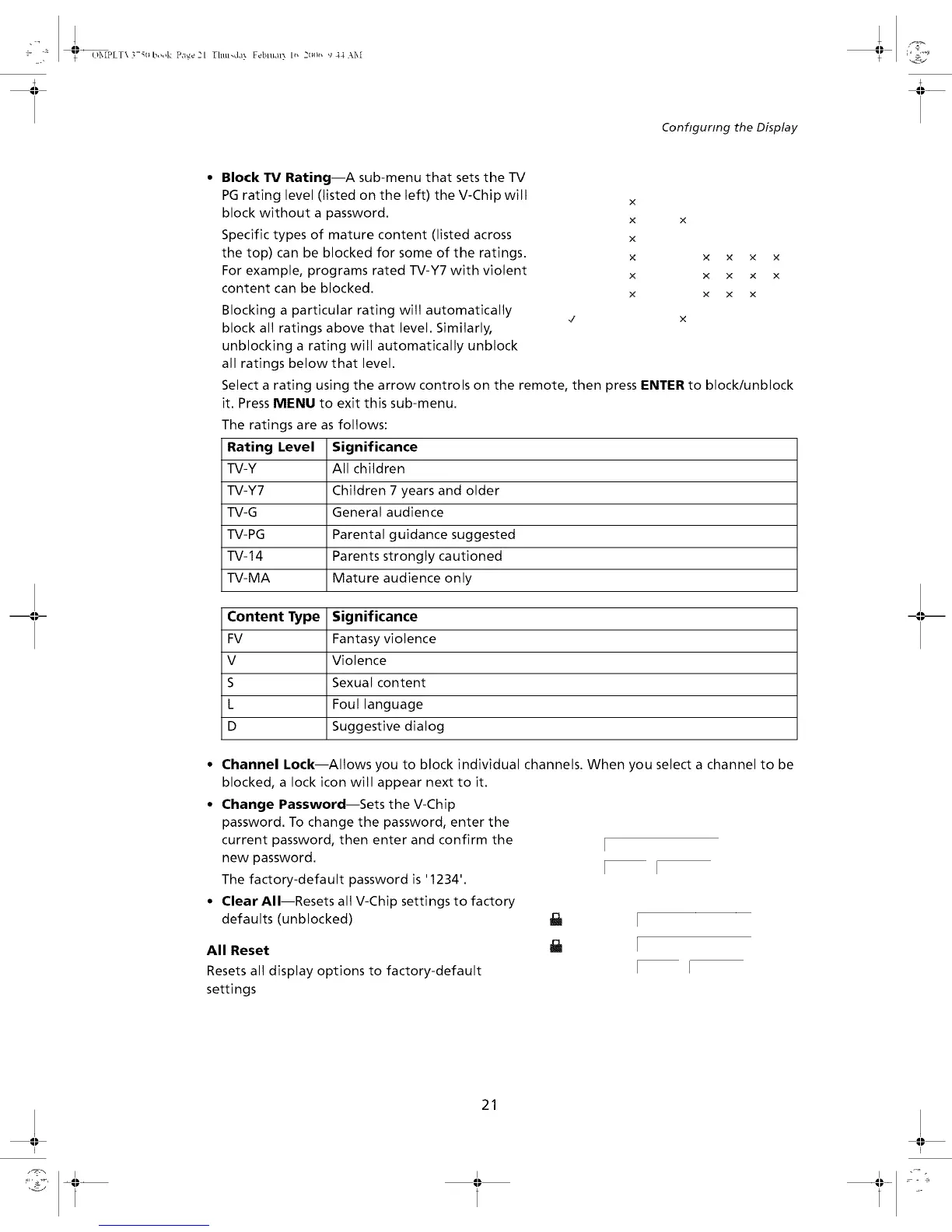
Block TV Rating--A sub-menu that sets the -IV
PG rating level (listed on the left) the V-Chip will
block without a password.
Specific types of mature content (listed across
the top) can be blocked for some of the ratings.
For example, programs rated TV-Y7 with violent
content can be blocked.
Blocking a particular rating will automatically
block all ratings above that level. Similarly,
unblocking a rating will automatically unblock
all ratings below that level.
x
x
x
x
x
X
x × x
x x x
x x x
x
Select a rating using the arrow controls on the remote, then press ENTER to block/unblock
it. Press MENU to exit this sub-menu.
The ratings are as follows:
Rating Level Significance
TV-Y All children
TV-Y7 Children 7 years and older
TV-G General audience
TV-PG Parental guidance suggested
TV-14 Parents strongly cautioned
TV-MA Mature audience only
Content Type Significance
FV Fantasy violence
V Violence
S Sexual content
L Foul language
D Suggestive dialog
° Channel Lock--Allows you to block individual channels. When you select a channel to be
blocked, a lock icon will appear next to it.
• Change Password--Sets the V-Chip
password. To change the password, enter the
current password, then enter and confirm the
new password.
The factory-default password is '1234'.
° Clear All--Resets all V-Chip settings to factory
defaults (unblocked)
All Reset
Resets all display options to factory-default
settings
21


 To Next Page