2
1+ ( )MPLT\ 3-q) b,>,4c Pa;e 24 Tlnu.da_ Febut.u_ I(, 21)))(, *J 44 \M _'" _'_
_., - . # -.£.y
+ +
Configunng the Display
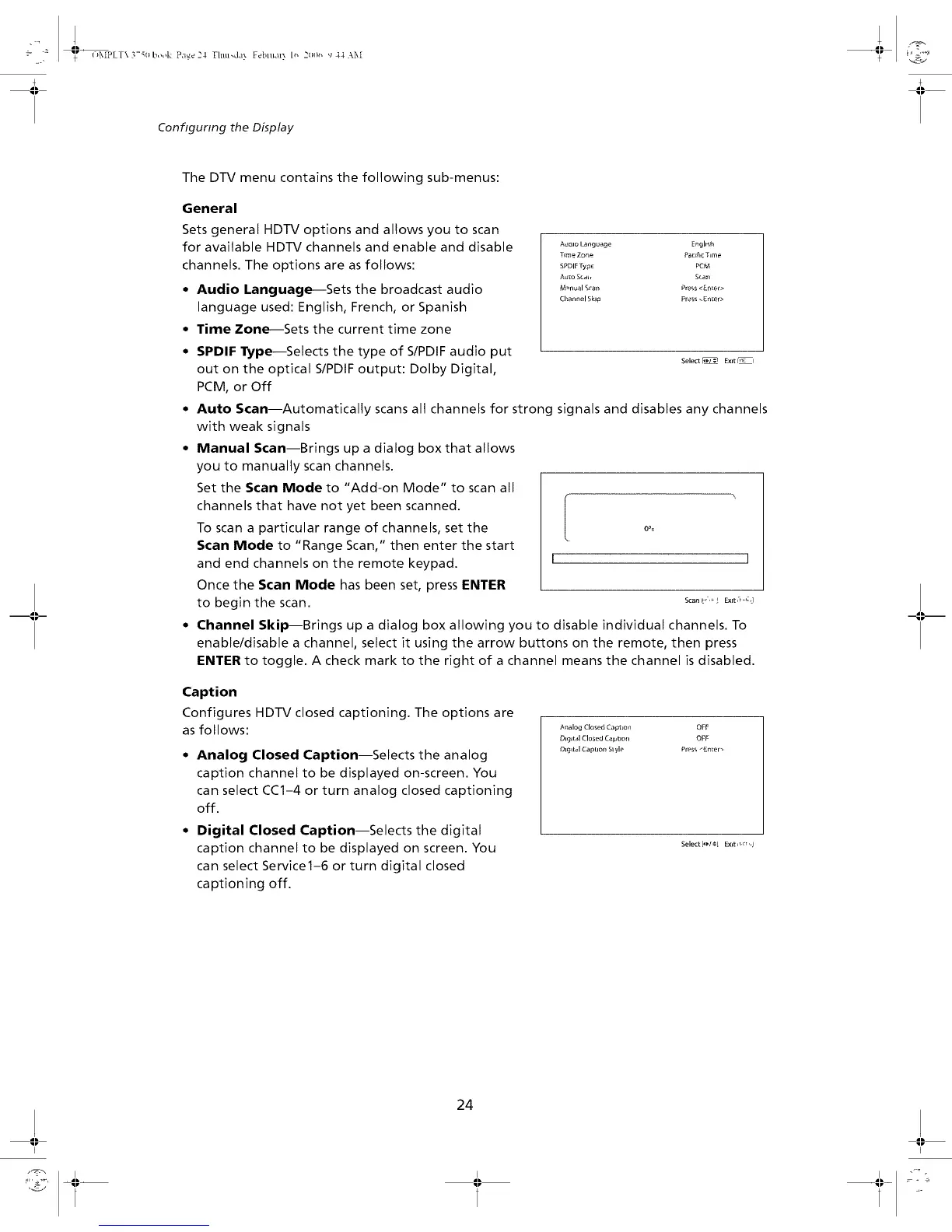
The DTV menu contains the following sub-menus:
General
Sets general HDTV options and allows you to scan
for available HDTV channels and enable and disable
channels. The options are asfollows:
• Audio Language--Sets the broadcast audio
language used: English, French, or Spanish
• Time Zone--Sets the current time zone
Aualo Language Englmh
Time Zon_ PacFkc Time
SPDIF Type PCM
A_o Sc_, Sran
M_nual Sran Press _EnLer>
Channel Skip Pre_s _En_er>
SPDIF Type--Selects the type of S/PDIF audio put
out on the optical S/PDIF output: Dolby Digital,
PCM, or Off
Select _ E×rt I_1
° Auto Scan--Automatically scans all channels for strong signals and disables any channels
with weak signals
• Manual Scan--Brings up a dialog box that allows
you to manually scan channels.
Set the Scan Mode to "Add-on Mode" to scan all
channels that have not yet been scanned.
To scan a particular range of channels, set the
Scan Mode to "Range Scan," then enter the start
and end channels on the remote keypad.
Once the Scan Mode has been set, press ENTER
to begin the scan.
[
0%
]
Scan IP _ ! Exlt_-r _r_A
° Channel Skip--Brings up a dialog box allowing you to disable individual channels. To
enable/disable a channel, select it using the arrow buttons on the remote, then press
ENTER to toggle. A check mark to the right of a channel means the channel is disabled.
Caption
Configures HDTV closed captioning. The options are
as follows:
° Analog Closed Caption--Selects the analog
caption channel to be displayed on-screen. You
can select CC1-4 or turn analog closed captioning
off.
• Digital Closed Caption--Selects the digital
caption channel to be displayed on screen. You
can select Service1-6 or turn digital closed
captioning off.
gnalog Closed CaptLon OFF
Diglt_d Closed Caption OFF
Digital Cap[ion Slyle Press _-n_er_
Select [4,1_ Exit ir, vr 'q
24
,,,,,,_.... _I_ _ -_ ....


 To Next Page