20
Model:
Holiday
In time clock mode; the timed output will be turned off during the holiday period,
then return to the programmed settings once the holiday period finishes.
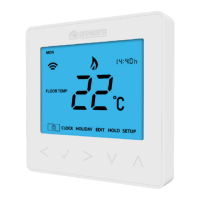
In thermostat mode; the holiday function reduces the set temperature in your
home to the frost mode temperature setting that is configured in the setup menu.
The ProDigital™ will maintain this temperature for the duration of the holiday
and will then automatically return to the program mode on your return.
To set a ‘Holiday’
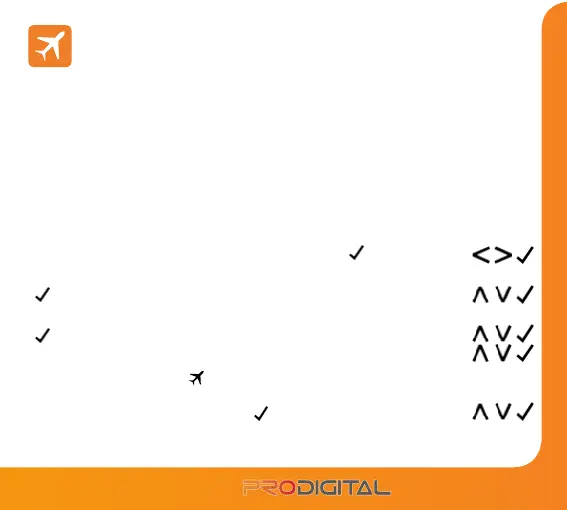
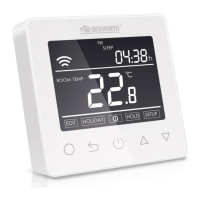
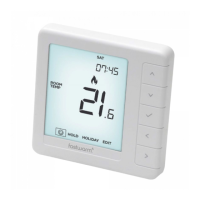
• Use the ‘Left/Right’ keys to highlight ‘HOLS’ then press
...................................
• Enter the return time (hours) by using the ‘Up/Down’ keys then press
to confirm .........................................................................................................................
• Enter the return time (minutes) by using the ‘Up/Down’ keys then press
to confirm .........................................................................................................................
• Repeat these steps to set ‘Day’, ‘Month’ & ‘Year’ ........................................................
The display will now show and indicate ‘Frost Protection Active’
To view or change the ‘Set’ frost temperature while in ‘Holiday’ mode,
press the ‘Up/Down’ keys followed by
to confirm ...............................................


 To Next Page