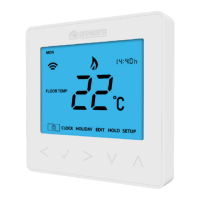
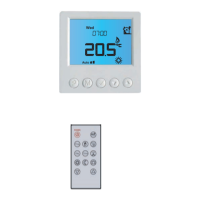
Electric Floor Model
25
Section Header
Re-calibrating the ProDigital™
This thermostat is factory set and need not re-calibrating under normal operation!
To calibrate, follow the step below.
• Use the ‘Left/Right’ keys to scroll to the Power Icon ........................................
• Press and hold
to turn the display ‘OFF’ ..........................................................
• Press and hold the
and ‘Down’ keys together for 10 seconds .................
The current temperature will appear on the display.
• Use the ‘Up/Down’ keys to configure the new temperature value .............
• Press the
key to confirm the change and the display will go blank ....
• Press the
key once to turn the thermostat ‘ON’ ............................................
Error Codes
The ProDigital™ will display an error code if there is a fault with the temperature
sensor, these error codes are explained below.
E0 = The internal sensor has developed a fault.
E1 = The remote FLOOR probe has not been connected.
The remote FLOOR probe has not been wired correctly.
The remote FLOOR probe is faulty.


 To Next Page