1. Press the on/off button of the control
panel.
2. The notification ‘The system will shut
downin15seconds’willappear.
3. Select ‘Shut down’ if you wish to turn off
the touchscreen or wait 15 seconds, to
abort your touchscreen from closing down
selectthe‘Cancel’button.
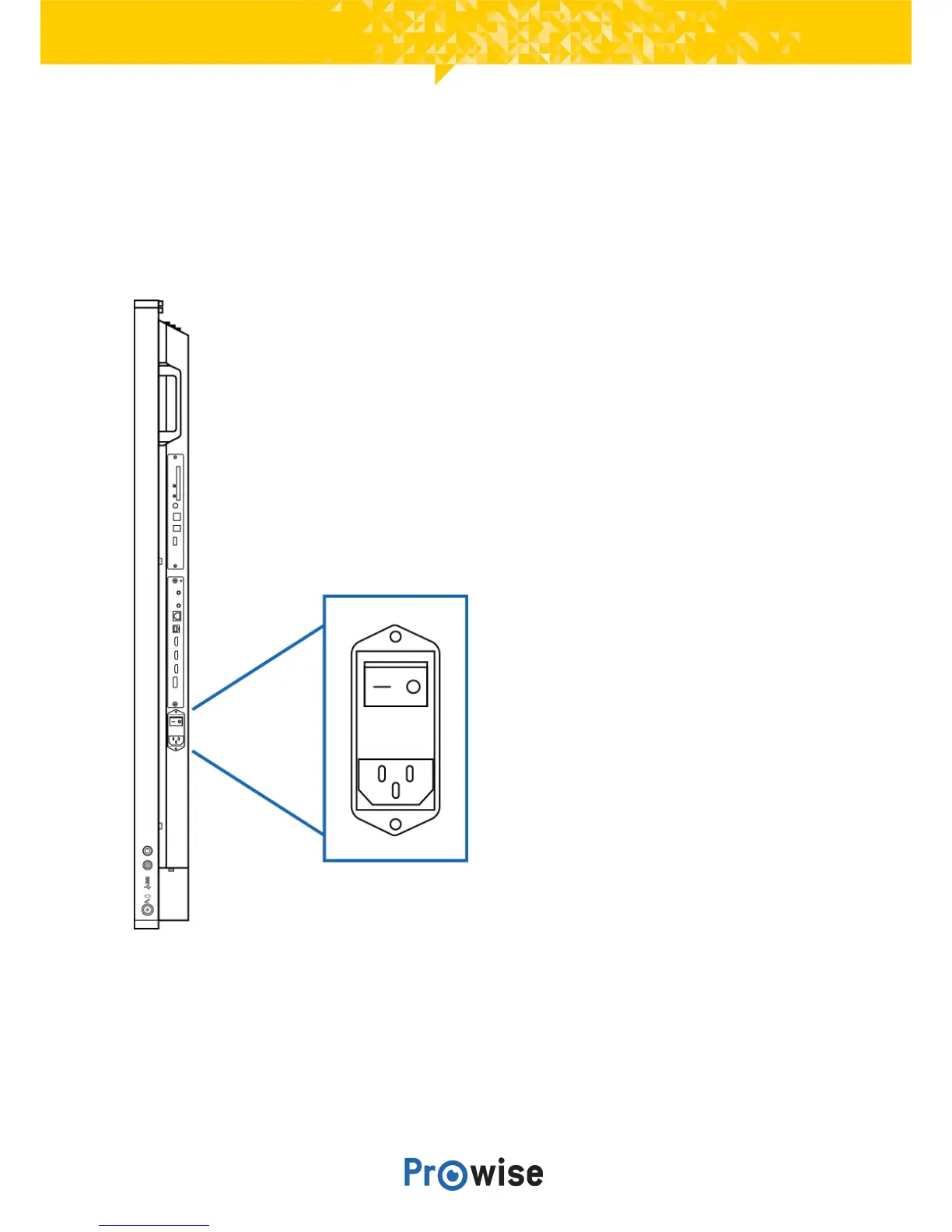
4. Turn off the main power supply by using
the power switch on the right hand side of
thetouchscreen(seepicture).



 To Next Page