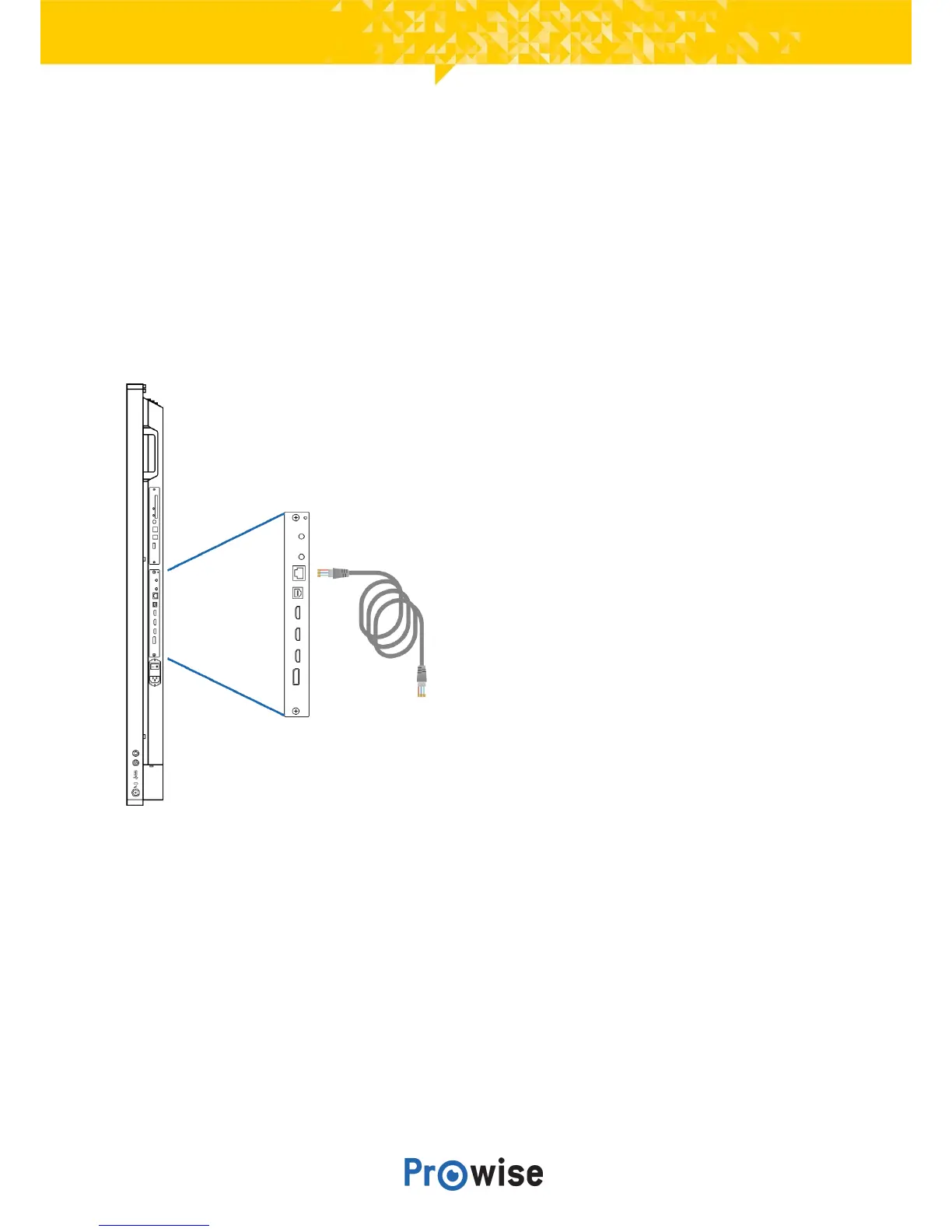
6.3.Connecttoanetwork
ConnectyourtouchscreentoawirelessWiFinetworkorviaanetworkcable.
Ethernet
Connect the network cable to the LAN port (2) of your touchscreen. The touchscreen will automatically
detectthenetworkandconnecttoitassoonas‘Ethernet’hasbeenactivatedinthesettingsmenu.
Followthestepsbelowtoviewthespecificationsofthenetwork:
1. Placefivefingersonthescreenforatleast2secondstolaunchtheProwiseCentralmenu.
2. Openthesidebartoaccessthesettingsmenu.
3. Selectthesubmenu‘Connectivity’.
4. Select‘Ethernet’byactivatingthetoggle.
5. Thenetworkspecificationswillbedisplayed.



 To Next Page