11.Connectperipherals
11.1.ConnecttheProLine+Multi-touchscreentoanexternalPC
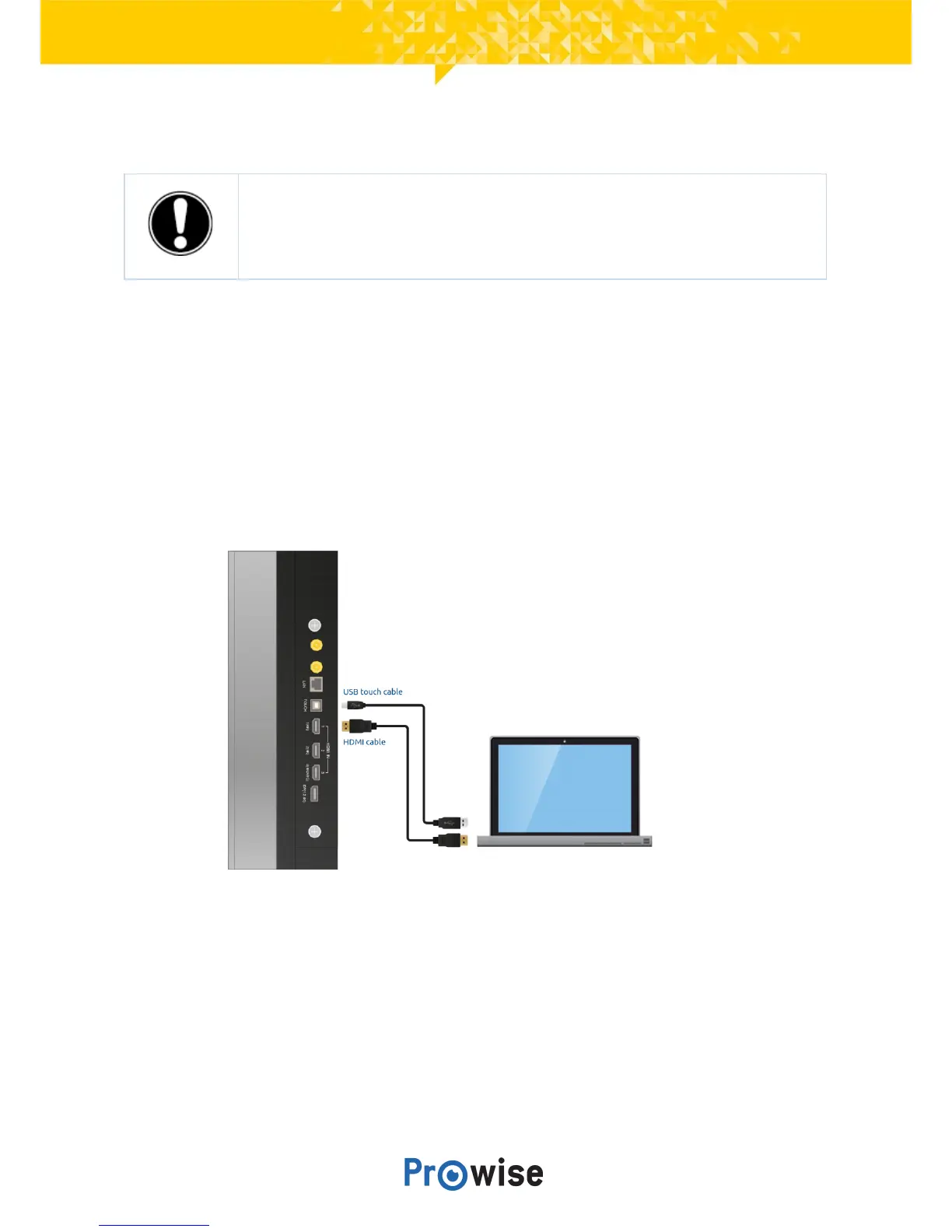
11.1.1.ConnectusingaHDMIcable
InadditiontoanHDMIconnection,aUSBtouchconnectionisalsoavailableontheright-handsideofthe
touchscreen.ThiscanbeusedtoconnectanexternalPCwithtouchfunctionality.
1. ConnectanHDMIcabletotheHDMIportoftheexternalPCandtotheHDMIinputportofthe
touchscreen.
2. ConnecttheUSBtouchcabletothetouchUSBportofthetouchscreenandtoaUSBportonthe
externalPC.
3. Onceallcableshavebeenconnected,switchonthetouchscreenandtheexternalPC.



 To Next Page