ClosedowntheProwiseCentralmenu
Clickonthemiddleoftheeye(insidecircleoftheCentralmenu)toclosedowntheProwiseCentralmenu
orpressthe“back”buttonontheremotecontrol.Thesidebarwillclosedownaswell.
8.Adjustsettings
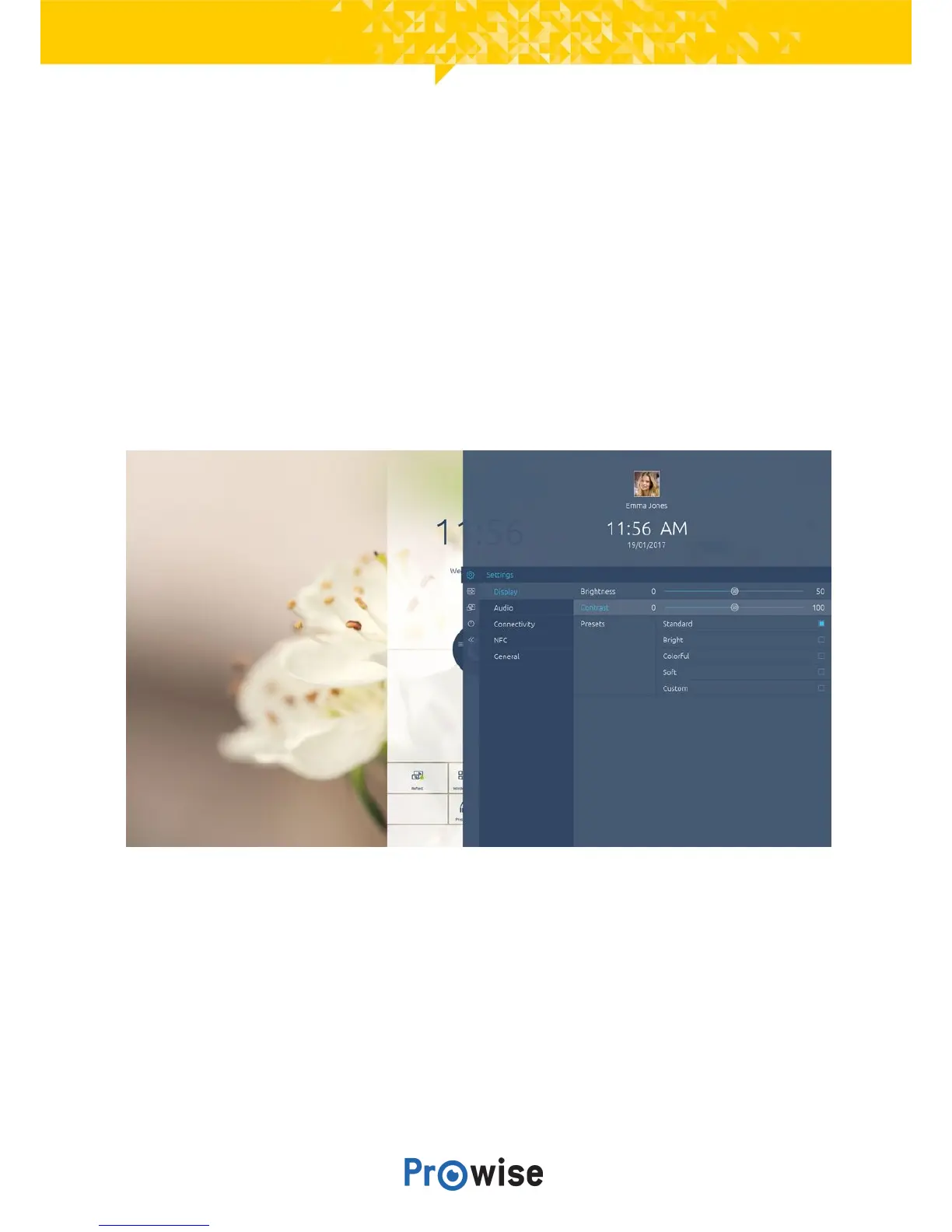
The settings menu of Central is located in the sidebar. Here you can adjust multiple settings of your
ProLine+Multi-touchscreen,suchas:displayandaudiosettings,connectivity,NFCandothersettings.
8.1.Display
Adjustanumberofaspectsinthetab‘display’,suchas:
● Brightness
● Contrast



 To Next Page