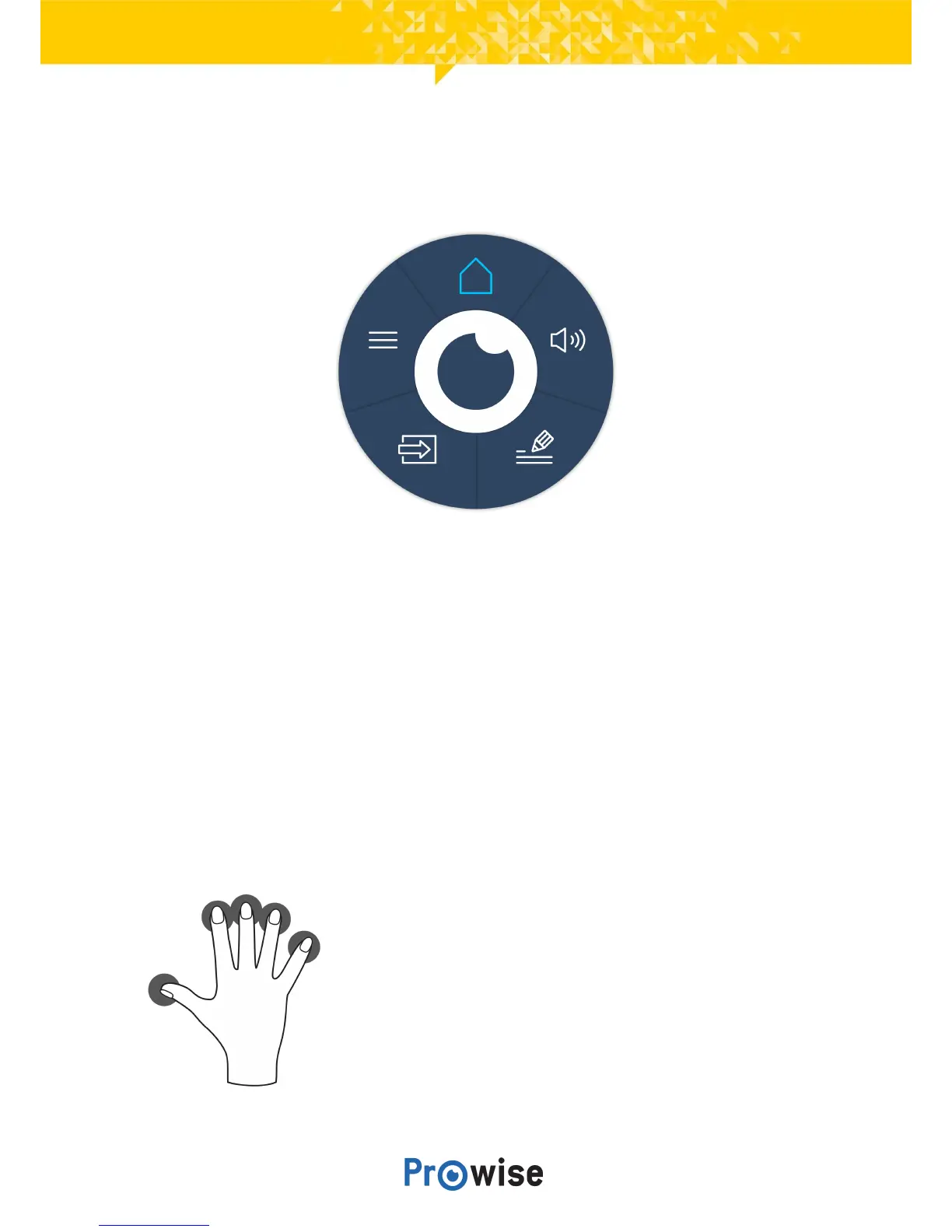
7.2.TheProwiseCentralmenu
EasilyadjustthesettingsofthetouchscreenandopenProNoteandotherapplicationsintheProwise
Centralmenu.
ChangethepositionoftheProwiseCentralmenubydraggingthecircleoverthescreenanddroppingitat
yourpreferredposition.Thepositionofthesidebarcanalsobechangedbyselectingthearrowsatthe
sideofthescreen.ThesidebarwillbedisplayedwhenopeningtheProwiseCentralmenu.
LaunchProwiseCentralmenu
YoucanlaunchtheProwiseCentralmenuindifferentways:
● Placefivefingersofonehandonthescreenforatleast2seconds.
● PresstheProwiseCentralmenubuttonontheremotecontrol.



 To Next Page