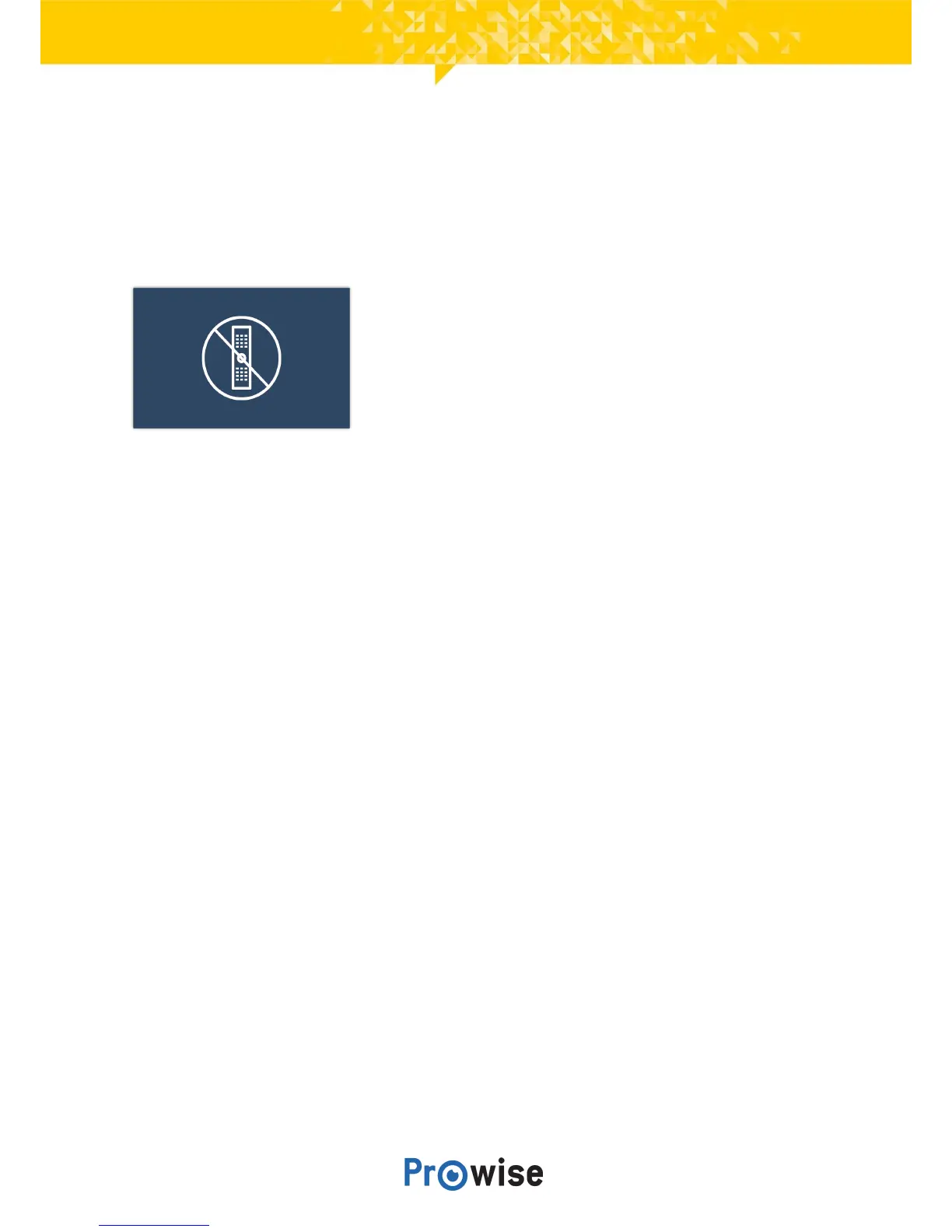
IRlock
Theremotecontrol’sinfraredsignalcanbelocked.TheIRsignalislockedusingalockontheremote
control.ItisnotpossibletolockthebuttonsandtheIRsignalatthesametime.
8.5.Input
It is possible to change the touchscreen’s input source. This is particularly useful when using the PC
module(OPS)oranexternalinputsource,suchasanexternalPCorlaptop.
Thetouchscreenoffersthechoicebetweenthefollowinginputs:
● ProwiseCentralhome
● PC(thePCmodule)
● HDMI1input(HDMI2.0(4K@60Hz))
● HDMI2input(HDMI2.0(4K@60Hz))
● HDMI3input(HDMIARC2.0(4K@60Hz))
● DPinput(Displayport1.2(4K@60Hz))
The touchscreen displays a message if there is no active signal coming from the chosen input source. In
that case, select a different input or connect a device to the chosen input so the touchscreen receives a
signal. After 30 seconds, the touchscreen displays the message “The system will shut down in: 15
seconds.” Select “Shut down” or wait 15 seconds to turn off the touchscreen. Select “Cancel” to stop the
touchscreenfromturningoff,thisallowsyoutonavigatetoadifferentinputsource.



 To Next Page