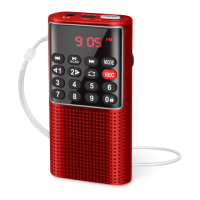
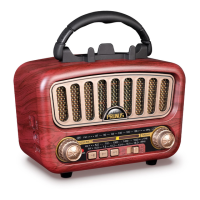
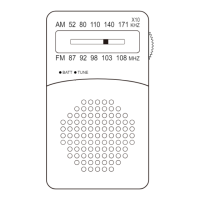
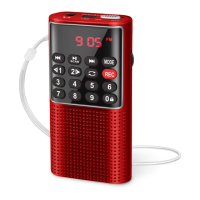
Step 1: Pull out the telescopic antenna.
Step 2: Short press <④SW> or <⑤AM/FM> to choose SW, AM or FM.
2. Radio Reception
A. Search with Button
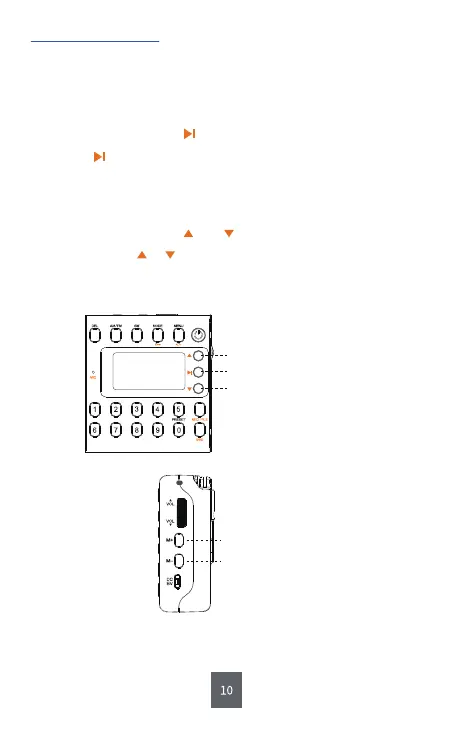
Long press to automatically search, store and number the
channels. And the channels will be saved in an order as
“CH00”, “CH01”, “CH02” …
B. Search with Button and
Long press button or to search for the previous or next available
channel. When an available channel is detected, the radio will stop
searching and play the current channel automatically.
⑧ Full Search
⑨ Previous Search
⑦ Forward Search
1) How to Search the Channels Automatically?
⑱M+
⑲M-
Listen to the Stored Channels


 To Next Page