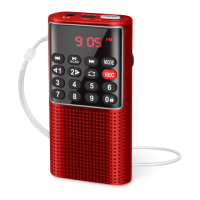
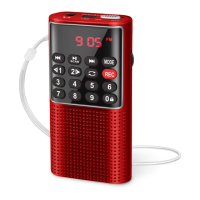
5. Recording Function
A TF card is required for sound recording. So please insert the TF card
into <⑳TF-CARD> first, and then start to make a recording.
1) How Can I Make a Recording?
A. Recording an External Sound
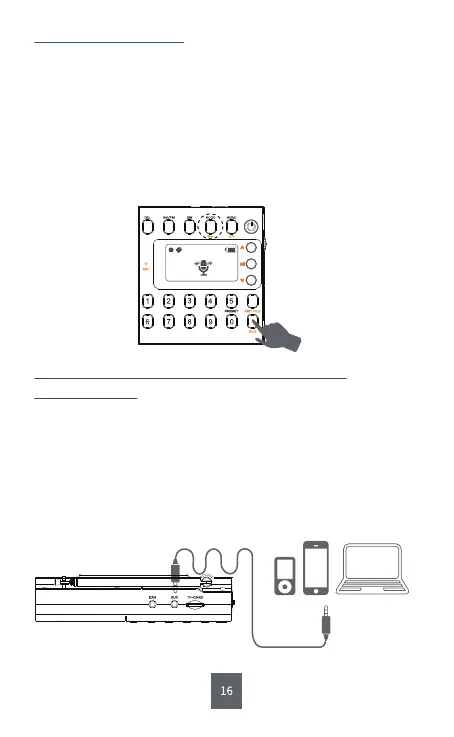
Step1: Short press <③MODE>.
Step2: Long press <⑫REC> to record the sound.
Step3: Short press <⑫REC> to finish the recording.
Warning:
A TF card loaded with MP3 file is required when recording
an external sound.
B. Recording with AUX
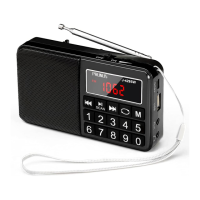
Step1: Connect the radio to your phone or computer with AUX cable.
Step2: Open the music app/software on your phone to play the music.
Step3: Long press <⑫REC> to record the sound.
Step4: Short press <⑫REC> to finish the recording.
00:00:01


 To Next Page