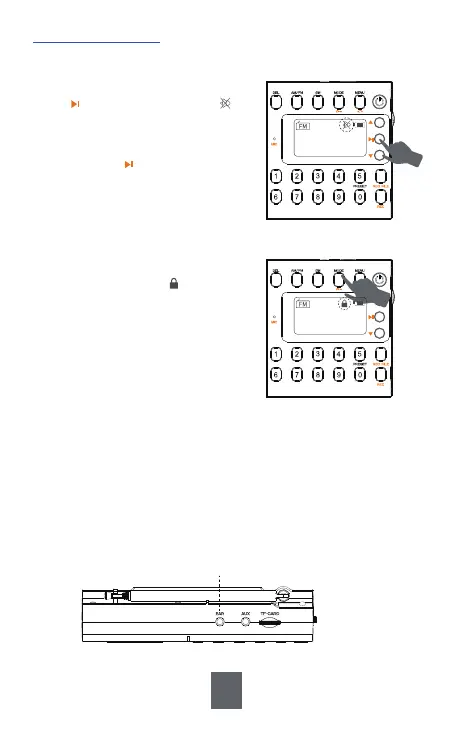
Long press <③MODE> to lock the other
buttons, then a lock icon will appear
on the display and other buttons can not
work until you long press this button
again to cancel the lock.
2) Lock Button
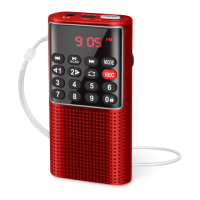
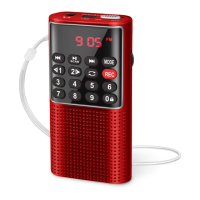
To not disturb others, you can listen to the radio with earphones.
1) Plug the earphones into earphone jack, and the radio will automati-
cally switch to earphone listening mode and the speaker will be muted.
2) When you pull out the earphones, the radio will back to speaker
mode. Please adjust the volume in time to fit the surrounding
environment and your own hearing need.
3) Earphones
1) Silent Mode
6. Other Functions
With the radio on, in any mode, short
press and then a silent icon will
flash on the display, which means the
radio has been muted.
Short pressing again will cancel the
silent mode.
CH00
MHz
90.5
CH00
MHz
90.5
㉓EAR: Earphone Jack
19


 To Next Page