C. Recording an AM/FM/SW Channel
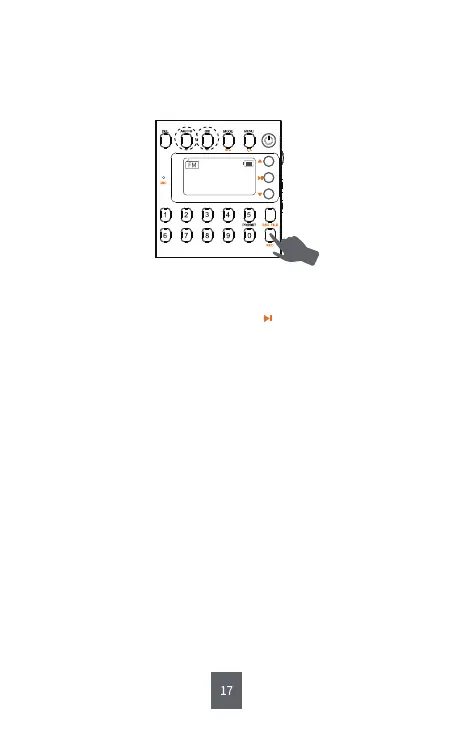
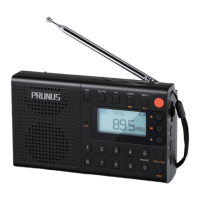
Step1: Short press <⑤AM/FM > or <④SW> to “AM”, “FM” or “SW”.
Step2: Long press <⑫REC> to record the sound.
Step3: Short press <⑫REC> to finish the recording.
Tips :
a. In the process of recording, short press to pause the recording.
Pressing it again will resume the recording.
b. Once the recording is finished, the radio will automatically play
what you have recorded. And short pressing <⑤AM/FM > or <④SW>
directly can back to “AM”, “FM” or “SW”.
CH00
MHz
90.5


 To Next Page