2.5mm Allen key for M3 screws
2mm Allen key for nut alignment
Bag with fasteners for the LCD is
usually taped to the LCD.
STEP 2 Preparing the LCD parts
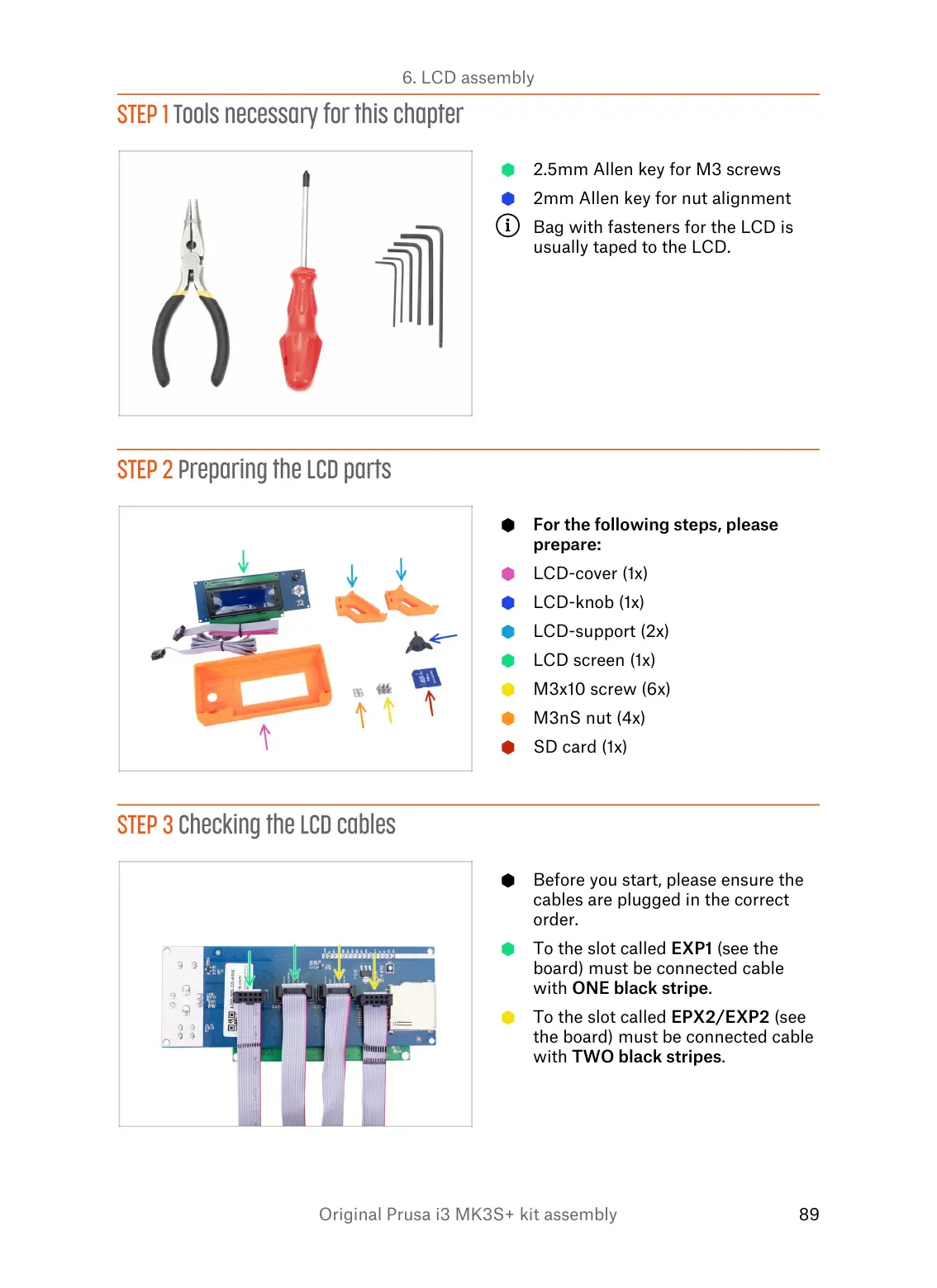
For the following steps, please
prepare:
LCD-cover (1x)
LCD-knob (1x)
LCD-support (2x)
LCD screen (1x)
M3x10 screw (6x)
M3nS nut (4x)
SD card (1x)
STEP 3 Checking the LCD cables
Before you start, please ensure the
cables are plugged in the correct
order.
To the slot called EXP1 (see the
board) must be connected cable
with ONE black stripe.
To the slot called EPX2/EXP2 (see
the board) must be connected cable
with TWO black stripes.













 To Next Page