PQube User Manual 2.1
Page 59 of 113
Energy and VARh
The accumulated energy and VAR-hour values are now logged every 1 minute. These logs are
available in the CSV Daily Trends file.
Changing the configuration during a measurement interval
Changing certain system settings will cause your PQube to cancel the existing recording and begin a
new one, due to incompatibilities with the new settings. These settings include:
Changing the major firmware version (from 1.3 to 1.4, from 1.4 to 2.0, etc)
Power Configuration
Ground point
Nominal voltage and frequency
PT or CT ratios
Any settings in the Trend_Settings section of your Setup.ini file.
In Firmware 2.0, your PQube will automatically generate a partial recording of today’s Daily Trends
(if your PQube has been recording for at least 1 hour). Then it will begin a new trend recording
based on the new settings.
File Formats
All filenames begin with the date and time for easy sorting. Alternatively, you can also choose to
include your PQube’s serial number in the filename so you can handle files from multiple PQubes
without the risk of mixing up the data.
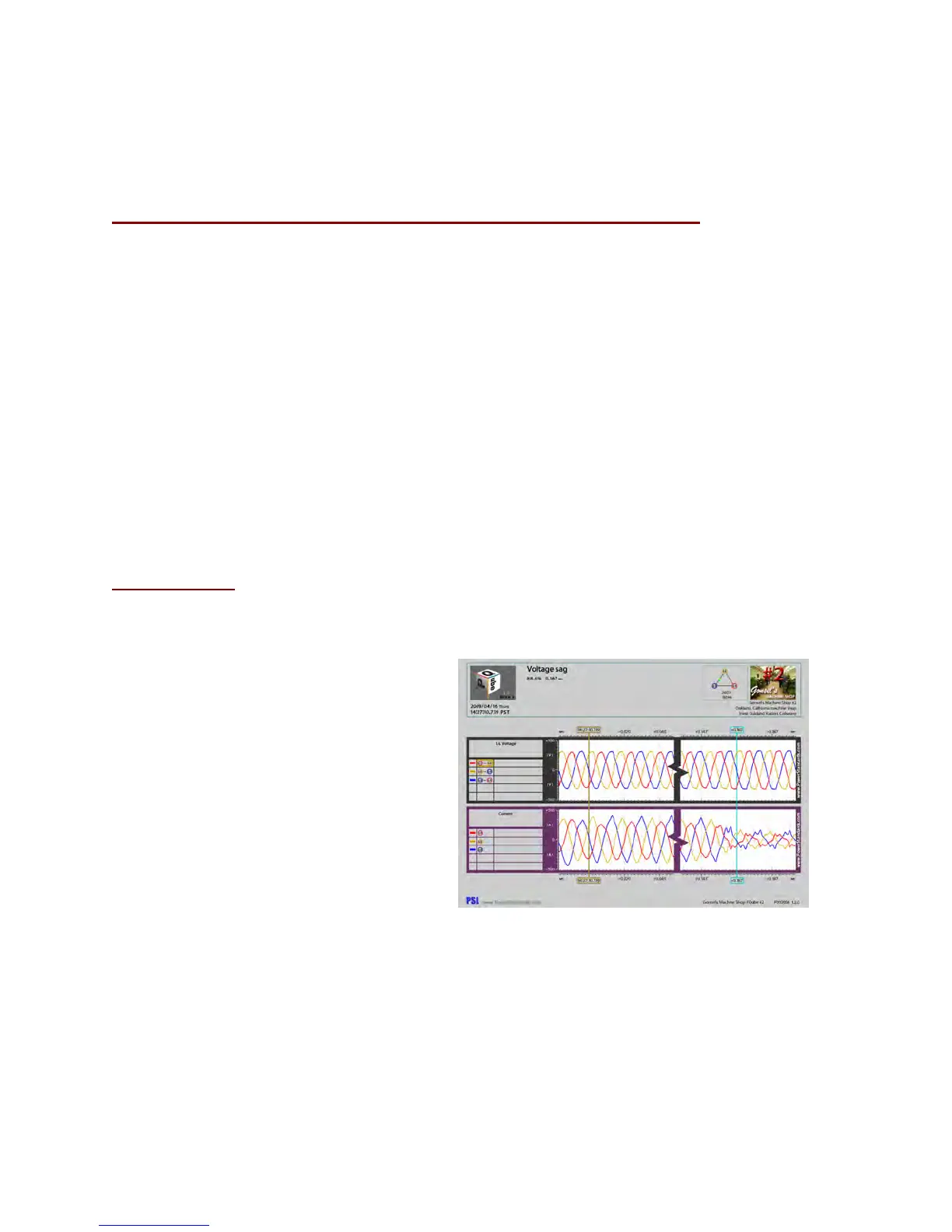
PQube data files are available in three
convenient file formats.
Picture Graphs (GIF)
GIF picture files can be opened by any image
program. You don’t need any special
software. You can also embed GIF picture
files directly in Microsoft PowerPoint
®
presentations, Microsoft Word
®
reports, and
so on.



 To Next Page