EasyManua.ls Logo

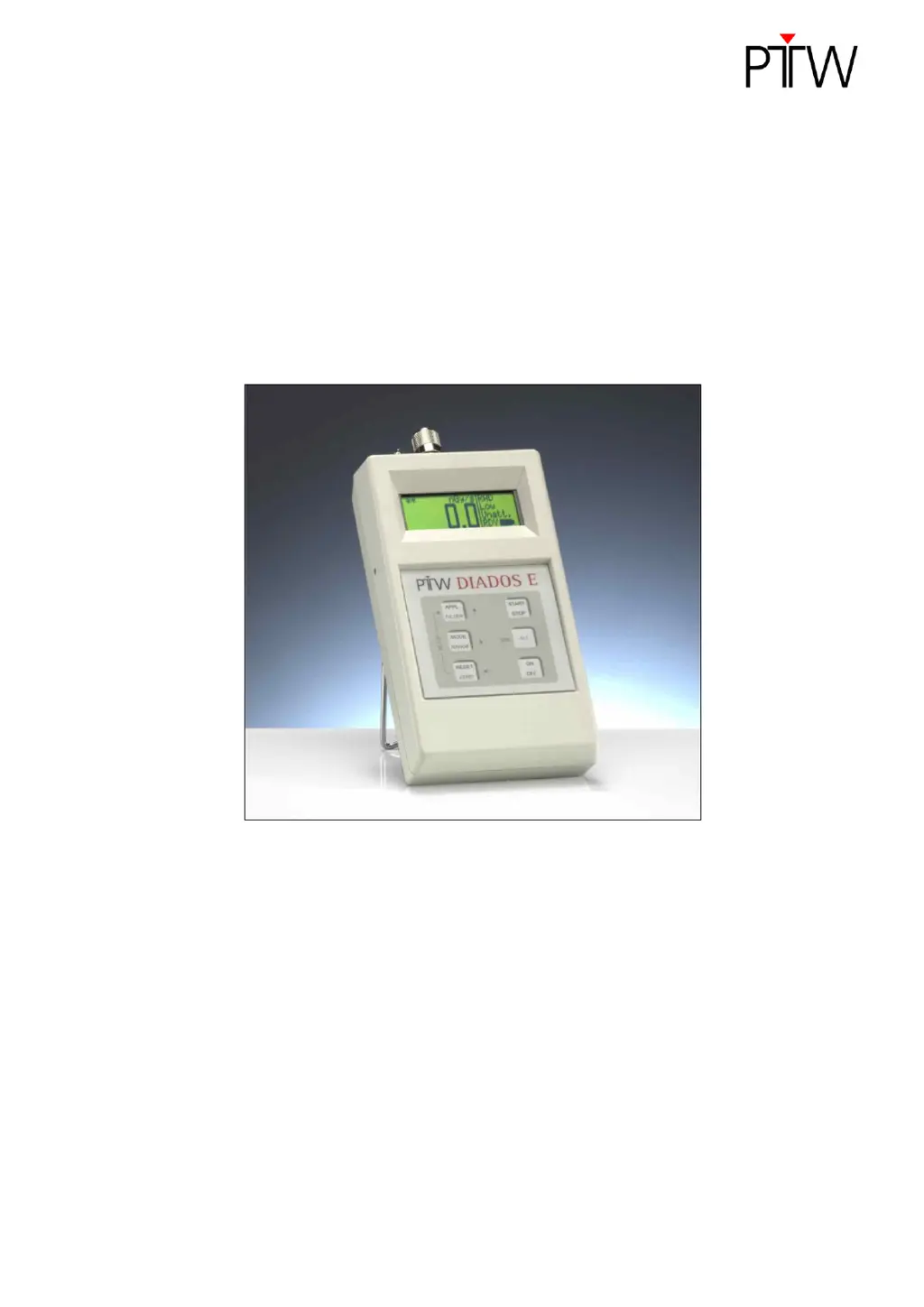
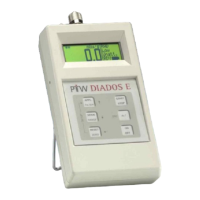
PTW DIADOS E - User Manual

PTW DIADOS E
51 pages
Print Icon
To Next Page IconTo Next Page
Loading...
User Manual
DIADOS E
T11035
firmware 1.30 or higher
Contents
Operating Manual
Technical Manual
Service Manual
D616.131.00/10 en
2015-10 Hn/Az

Table of Contents

Questions and Answers

  • M
    Michael DennisAug 13, 2025
    Why does the LCD screen on my PTW Measuring Instruments not illuminate?
    • C
      Carolyn FitzgeraldAug 14, 2025
      If the LCD of your PTW Measuring Instruments does not illuminate, it's likely that the rechargeable batteries are depleted. Connect the multi-range power supply to charge the batteries; charging begins as soon as the power supply is connected.
  • J
    Jessica HansenAug 18, 2025
    What to do if my PTW Measuring Instruments display 'OL'?
    • A
      antonioharrellAug 18, 2025
      If your PTW Measuring Instruments display 'OL', it means the electronic measuring system is out of range. If you see '-OL', it indicates a negative overload condition. To resolve this, select another measuring range using the RANGE function.
  • K
    Kimberly LamAug 21, 2025
    What does 'REPEAT' mean on my PTW Measuring Instruments and how to fix it?
    • J
      jodidyerAug 21, 2025
      If you see 'REPEAT' on your PTW Measuring Instruments, it indicates overranging of the electronic measuring system during dose measurements in Autorange mode. To fix this, simply repeat the measurement.
  • S
    Stephanie Ross MDAug 25, 2025
    What does 'Setup corrupted! RESET = continue with default values' mean on PTW Measuring Instruments?
    • V
      Veronica LopezAug 26, 2025
      If your PTW Measuring Instruments show 'Setup corrupted! RESET = continue with default values', it indicates a non-severe issue with the device settings. Confirm the message with RESET to continue; this will reset values for range, mode, filter, etc., to their defaults.
  • C
    Craig BlackAug 28, 2025
    What to do if my PTW Measuring Instruments show 'Data Error press RESET'?
    • S
      Susan FowlerAug 29, 2025
      If your PTW Measuring Instruments display 'Data Error press RESET', it means the processor is not functioning correctly. Press RESET and repeat the measurement to attempt to resolve the issue.
  • H
    Henry MarshallSep 1, 2025
    What does 'LO' mean on my PTW Measuring Instruments and how do I fix it?
    • J
      Justin BakerSep 1, 2025
      If your PTW Measuring Instruments display 'LO', it means the lower range limit was exceeded in the dose/pulse mode. Choose a more sensitive range and repeat the measurement to correct this.
  • W
    William NavarroSep 5, 2025
    What does 'Radiological calibration factors corrupted RESET = set defaults' mean on PTW Measuring Instruments?
    • T
      Tammy RobertsSep 5, 2025
      If your PTW Measuring Instruments display 'Radiological calibration factors corrupted RESET = set defaults', it indicates an error with the radiological calibration for one of the applications. Confirm the message with RESET to set the calibration factors of the application in question to 0.000.
  • W
    wperrySep 9, 2025
    What to do if my PTW Measuring Instruments display 'Zero failed press RESET'?
    • A
      Adrian HernandezSep 9, 2025
      If your PTW Measuring Instruments display 'Zero failed press RESET', it means the system could not be zeroed due to an excessive zero signal. Ensure that the connected detector is not irradiated and does not move while the system is being zeroed.

Summary

General Information

Product Standards and Safety Compliance

Device complies with IEC 61674, IEC 61010-1, and IEC 61326-1 standards.

Operational Safety and Usage Guidelines

Emphasizes using original parts, approved accessories, and adhering to manual instructions for safe operation.

Warranty and Manufacturer Liability

Details the 1-year warranty and PTW-Freiburg's liability for product safety and performance.

Documentation and Company Details

Covers manual conformity, rights, reproduction restrictions, and PTW-Freiburg contact information.

Intended Use

Device Applications and Detector Requirements

Details the device's intended applications and the necessary detectors for operation.

Safety Information

Safety Symbols and Hazard Categories

Introduces safety alert symbols, signal words, and general safety principles for hazard awareness.

Operational Hazards and Precautions

Covers explosion, shock, and moisture hazards, along with operational exclusions and precautions.

Peripheral Connectivity and EMC Guidelines

Addresses safe peripheral connection, handling, and potential electromagnetic interference.

Handling, Training, and Environmental Compliance

Emphasizes manual adherence, proper handling, user training, and environmental condition compliance.

Operating Manual

Device Description and Components

Details the device's physical components, interface, and operational keys.

System Setup and Operation

Guides users through initial setup, battery installation, detector connection, and basic settings.

Measurement Procedures and Applications

Comprehensive guide on performing various measurements, including specific applications and troubleshooting.

Error Messages and Troubleshooting

Helps users identify and resolve common equipment errors and operational problems.

Technical Manual

Device Technical Specifications

Detailed specifications including electrical safety, EMC, and performance characteristics.

Service Manual

Device Cleaning Procedures

Instructions for cleaning the device surface and cables.

Routine Maintenance and Inspections

Covers checks before use, repair, safety inspections, and technical inspections of the measuring system.

Battery Management and Calibration

Guidance on rechargeable batteries, calibration, and maintenance of officially calibrated dosemeters.

Product Disposal Guidelines

Guidelines for environmentally compliant disposal of the device and its components.

PTW DIADOS E Specifications

General IconGeneral
BrandPTW
ModelDIADOS E
CategoryMeasuring Instruments
LanguageEnglish

Related product manuals